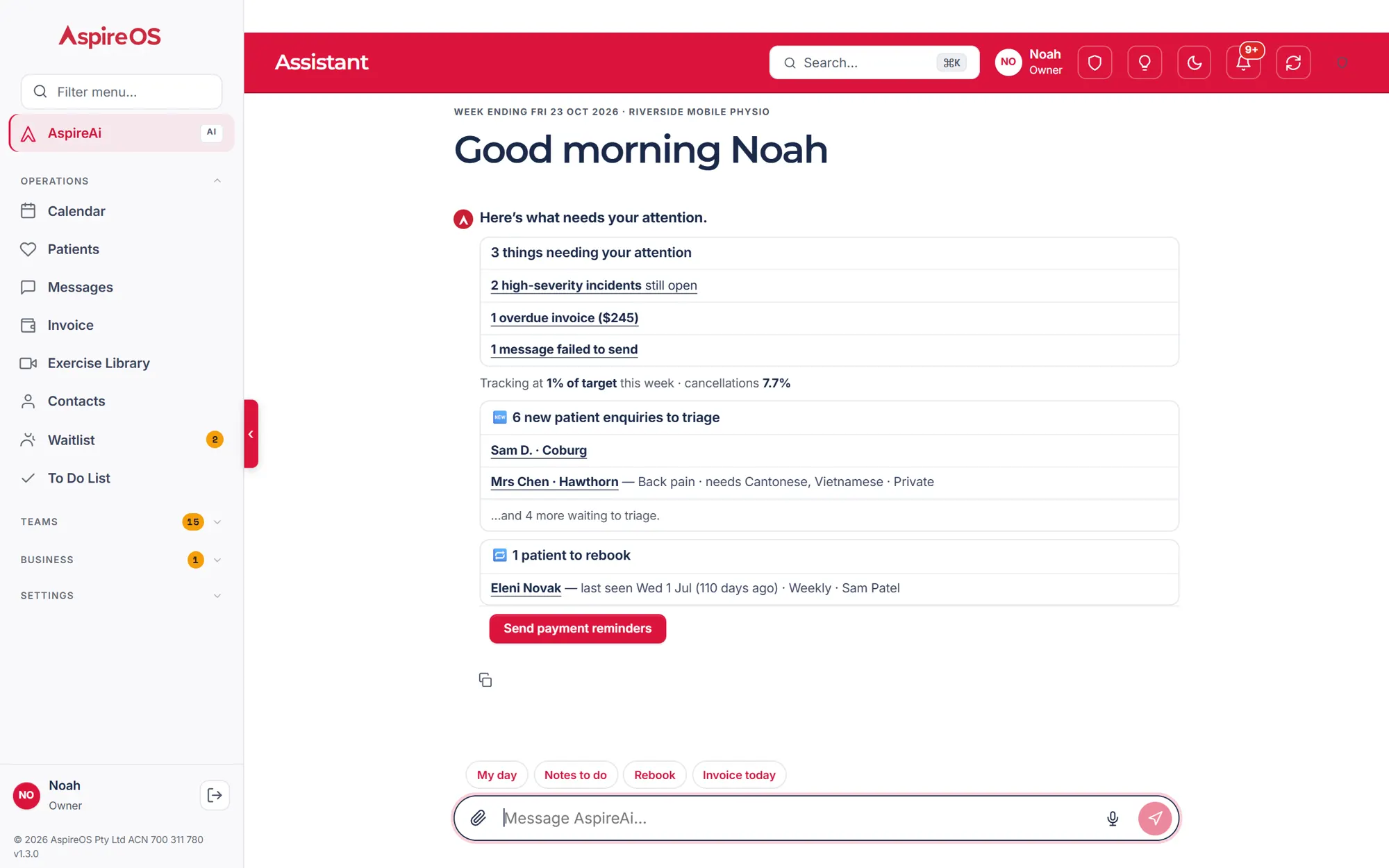
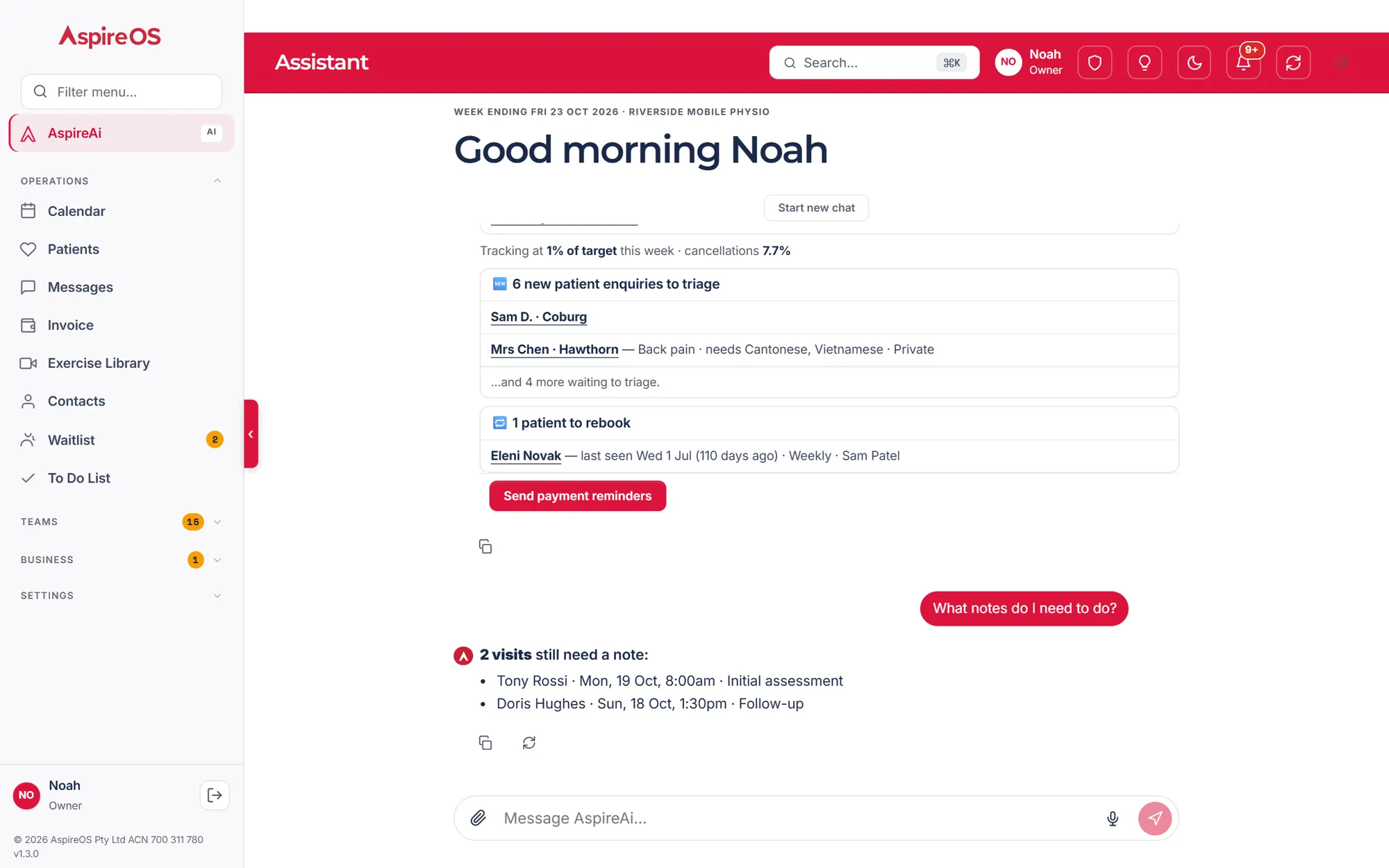
AspireAi, your AI assistantAI
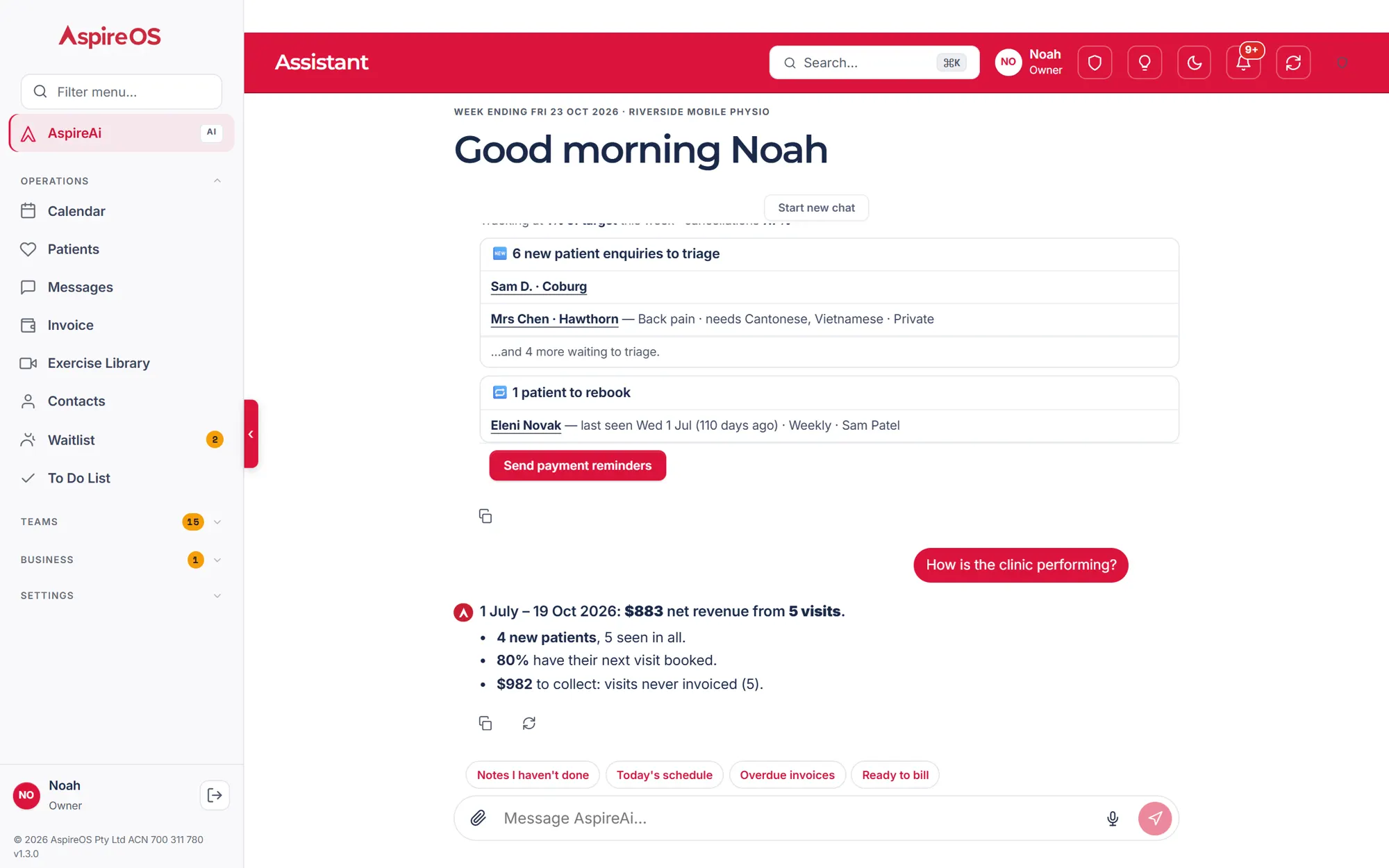
Ask in plain English. It drafts, books and bills — after your OK.
Your Australian AI practice operations software that simplifies admin, automates routine work and keeps you focused on great patient care.
Setup in minutes Cancel anytime
Integrates with


Coming soon: Tyro Health
Bill every funder: NDIS · Medicare · DVA · WorkCover · TAC · Private health
AspireAi
Ask in plain English. One press on the card and it's on the record.
More on AspireAiAutomated waitlist
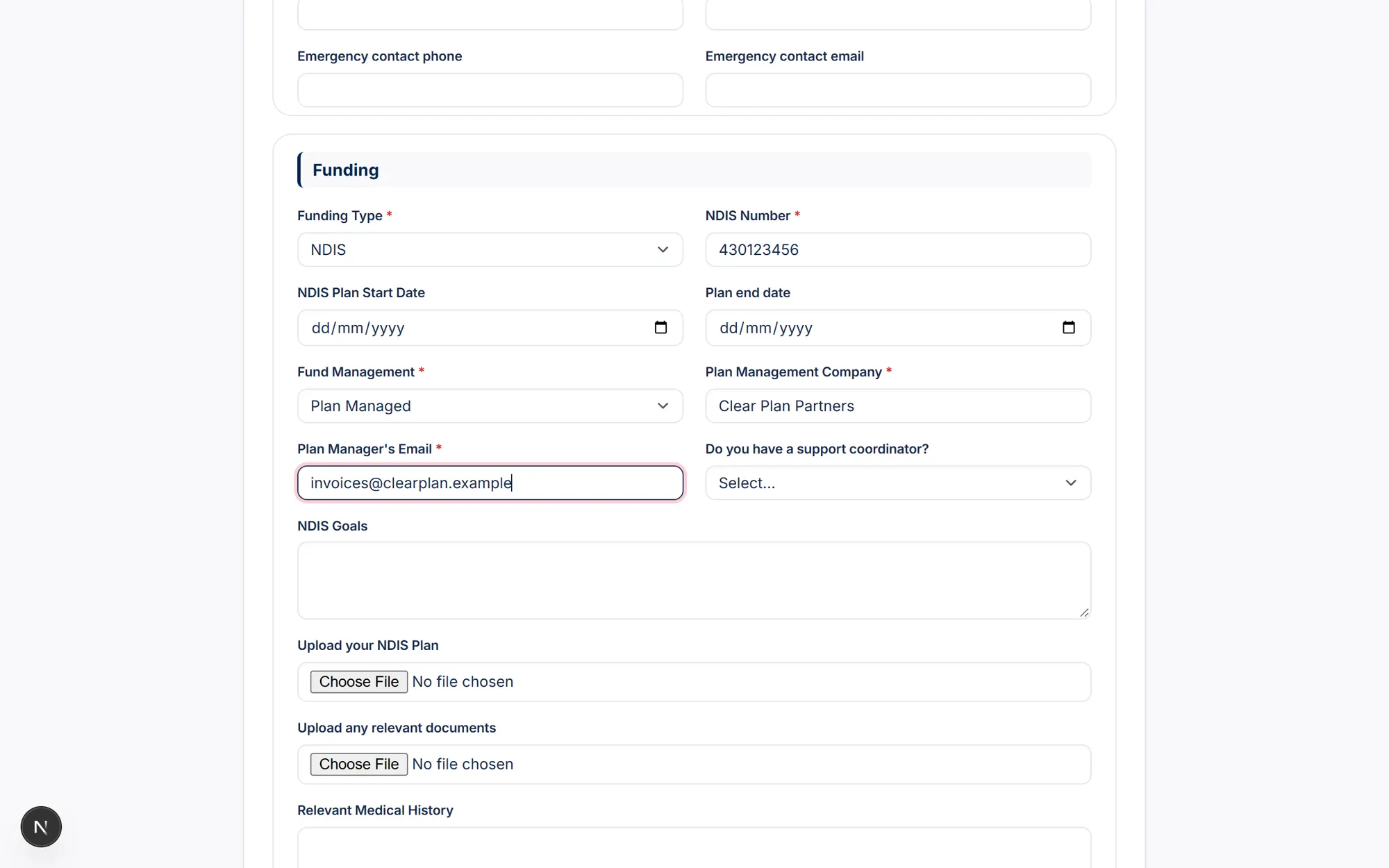
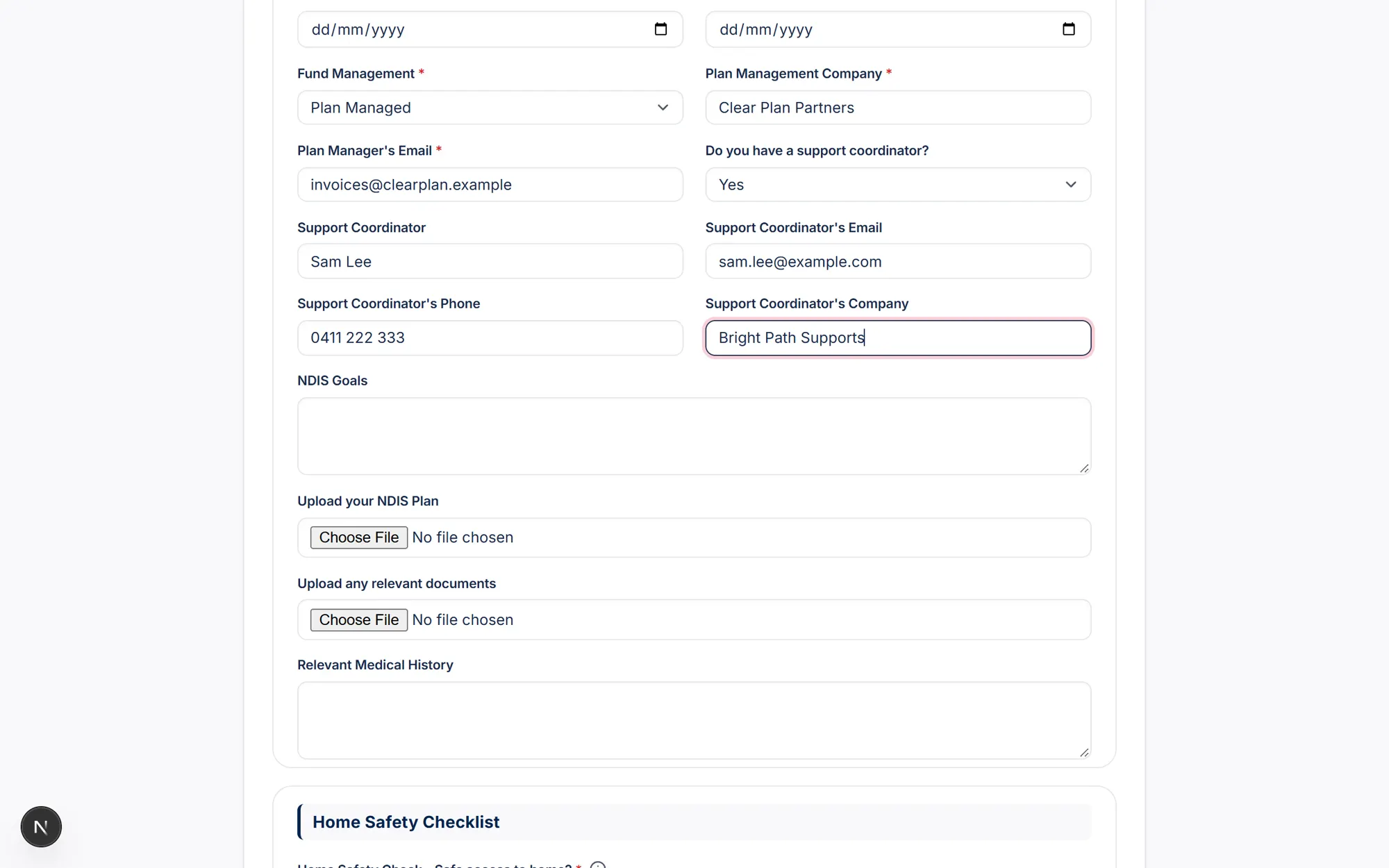
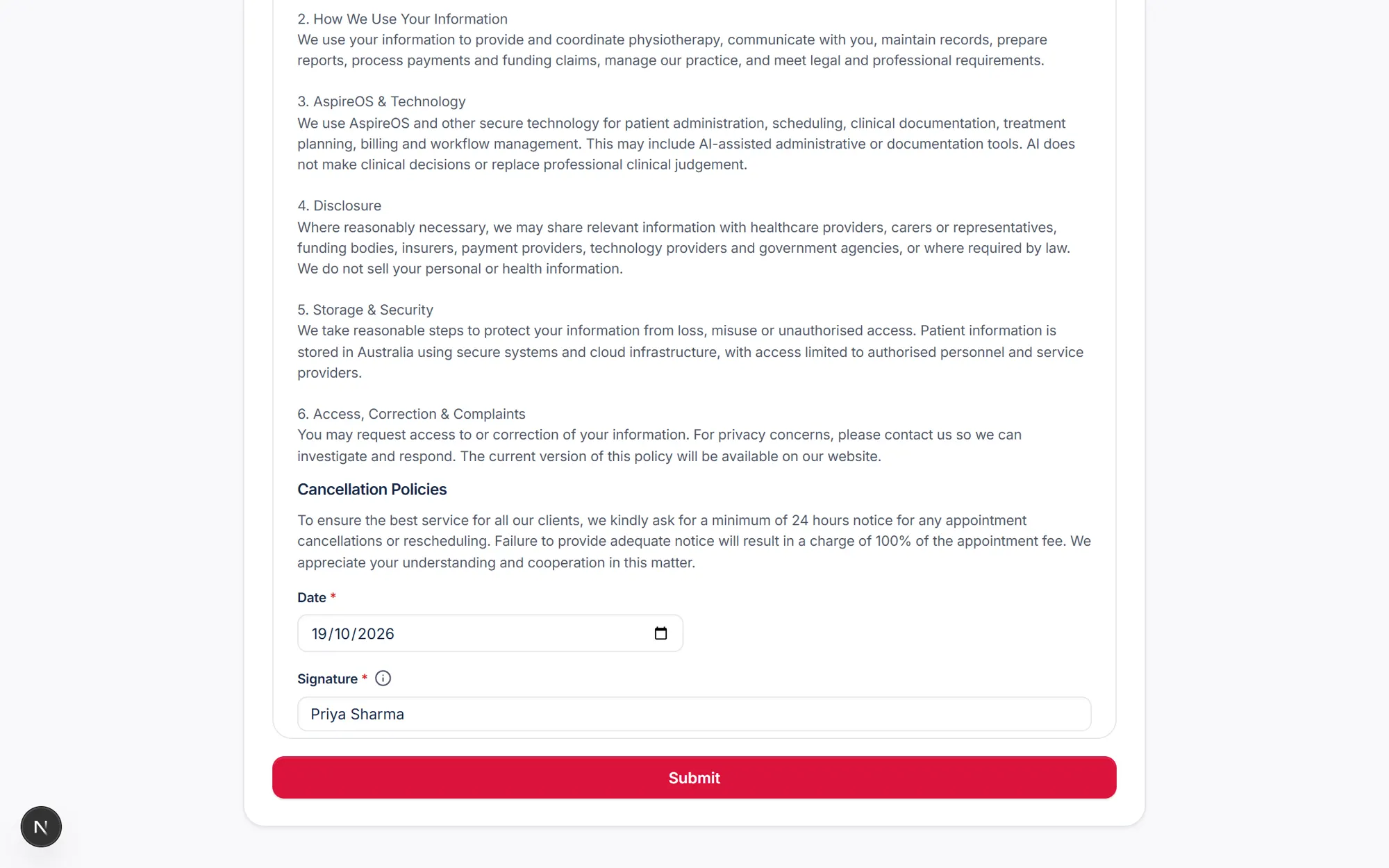
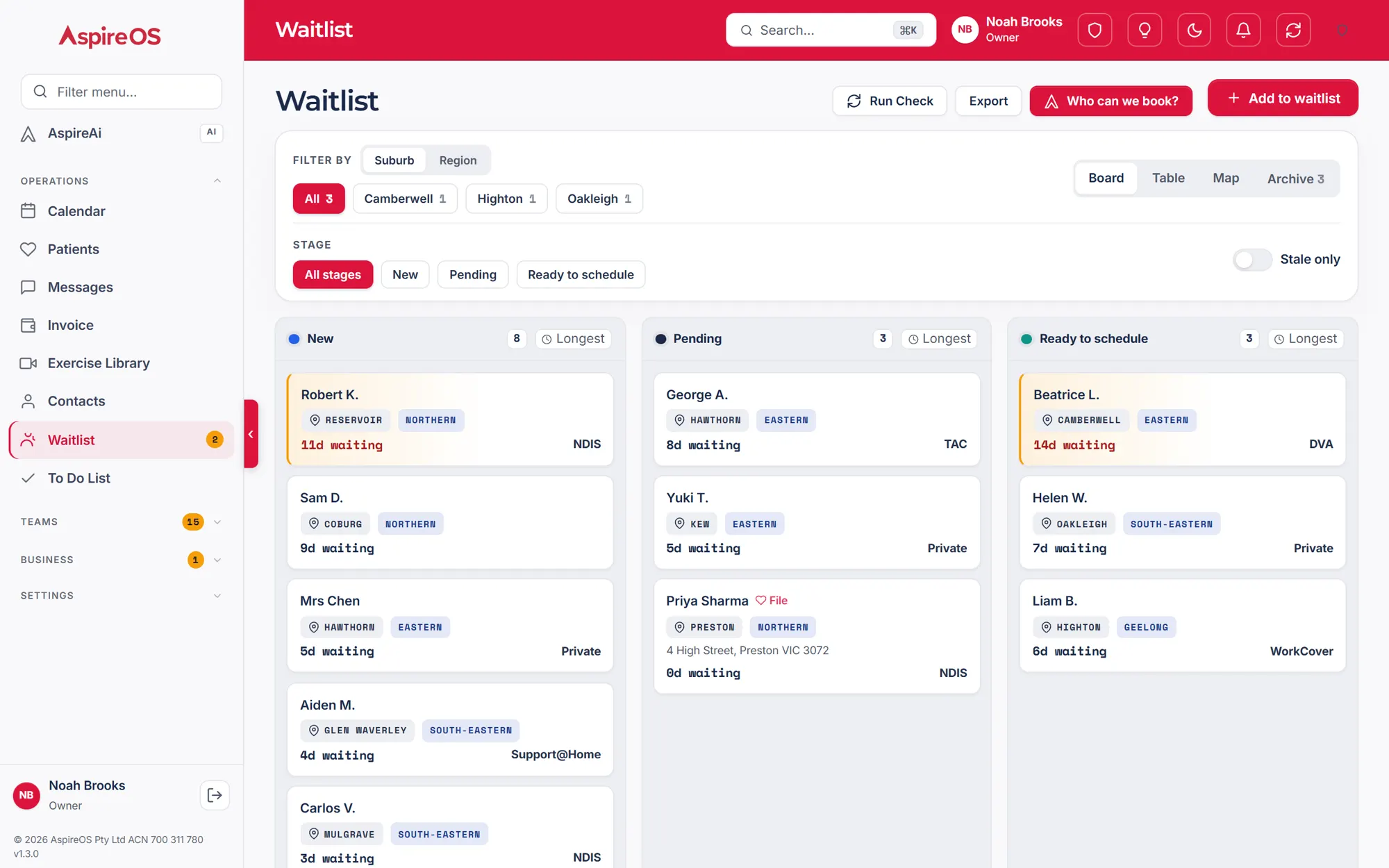
The intake fills the file and links the support coordinator, the service agreement goes out to sign, the checks tick and it moves to Ready to schedule. No admin needed.
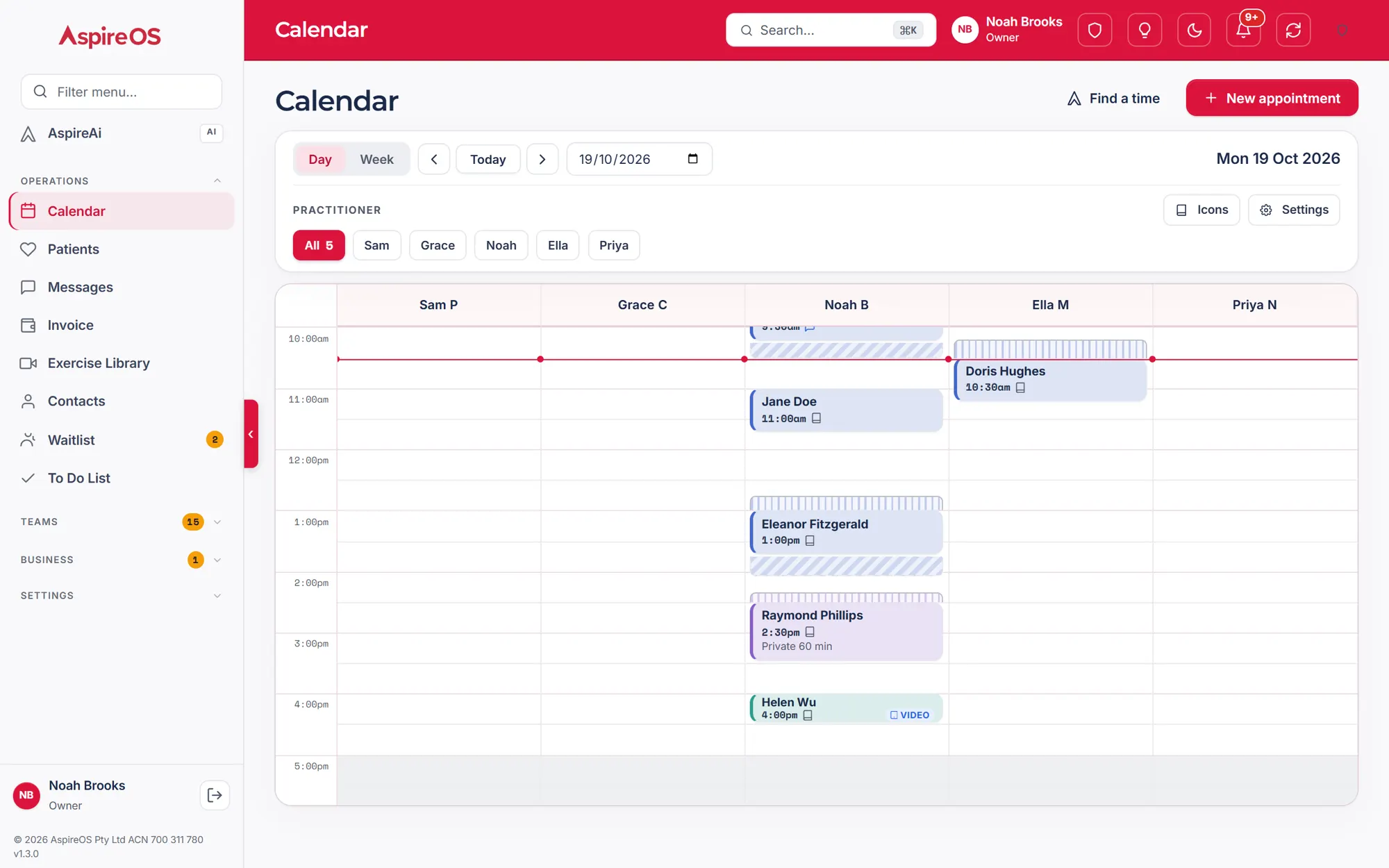
More on the waitlistCalendar
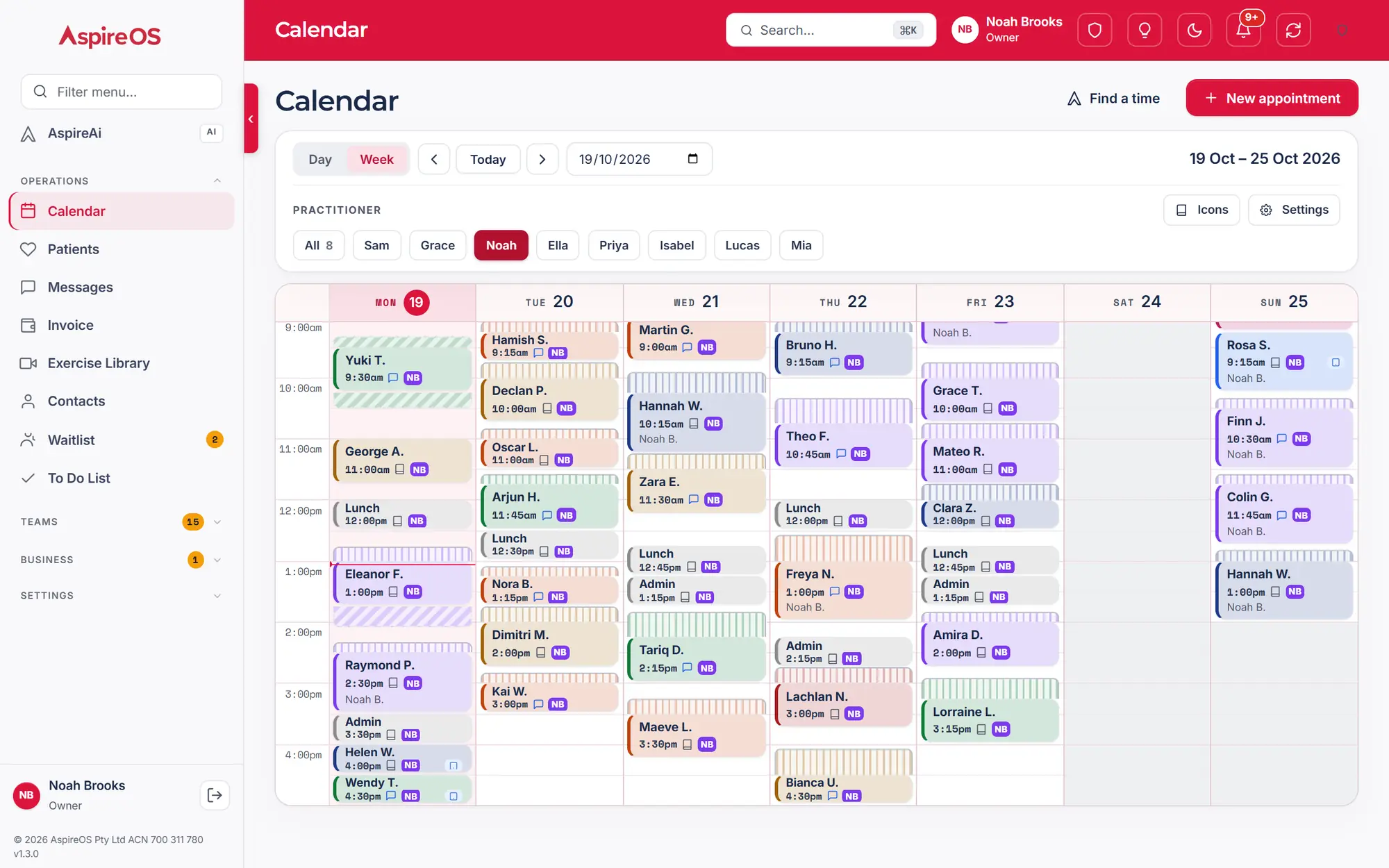
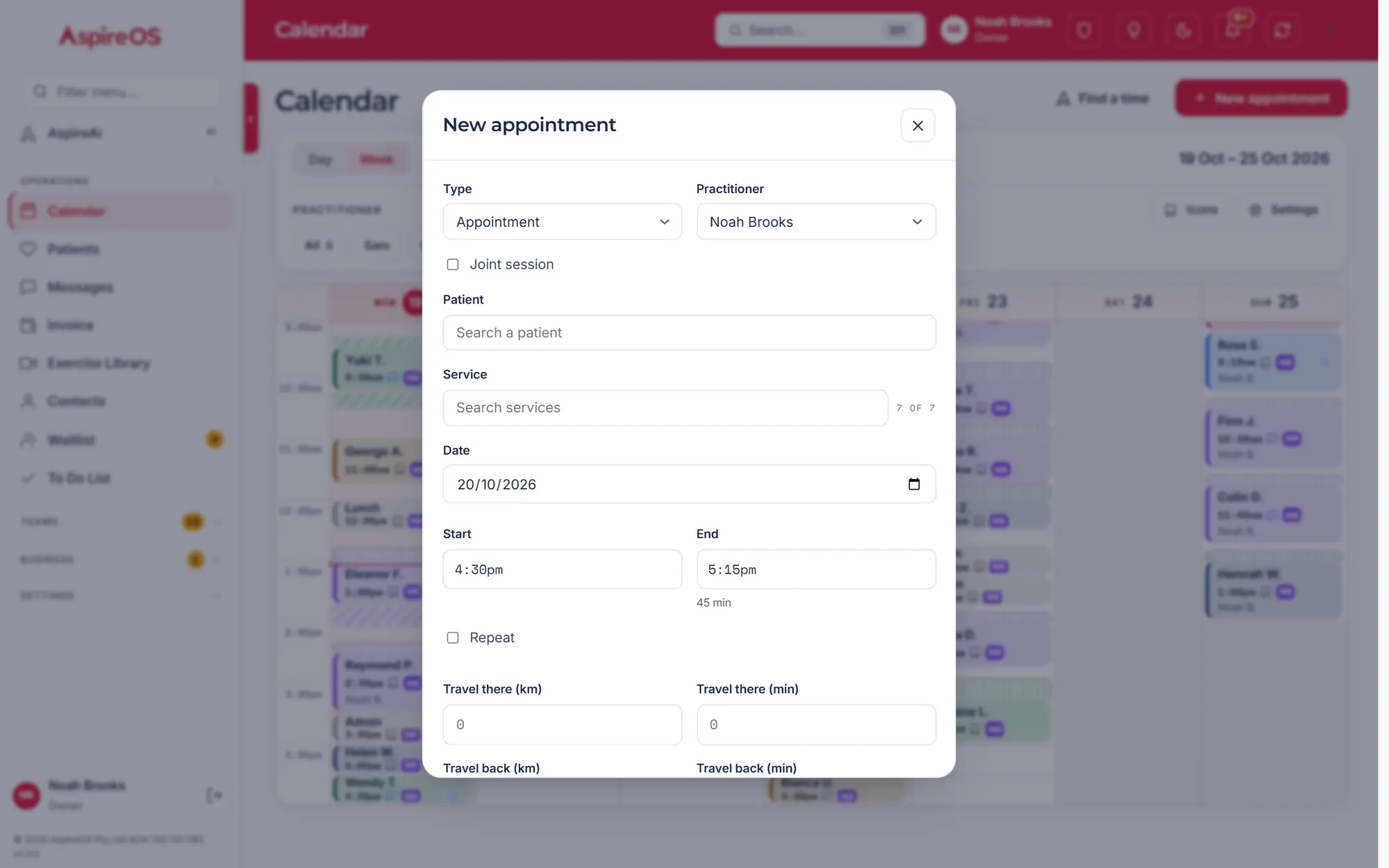
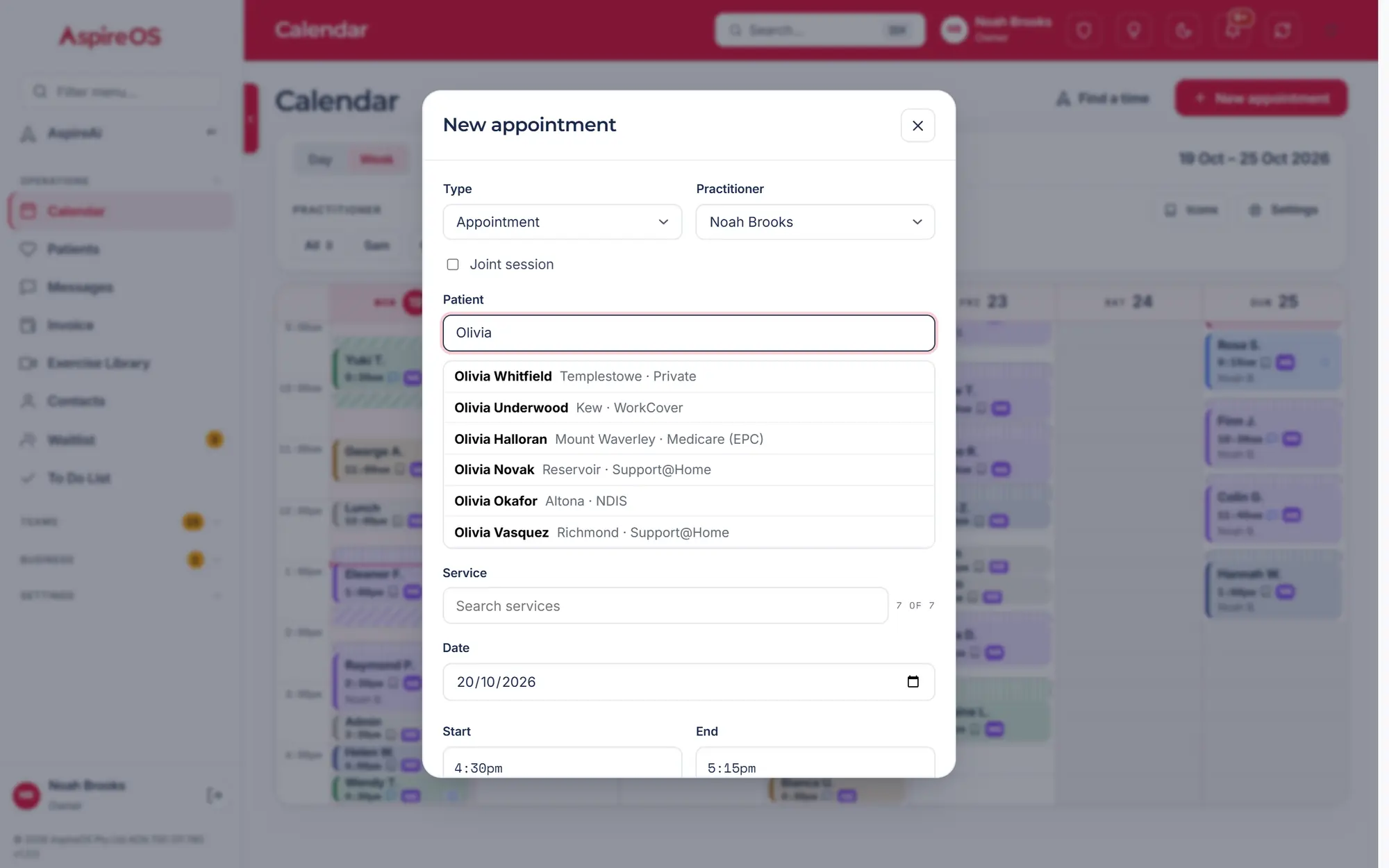
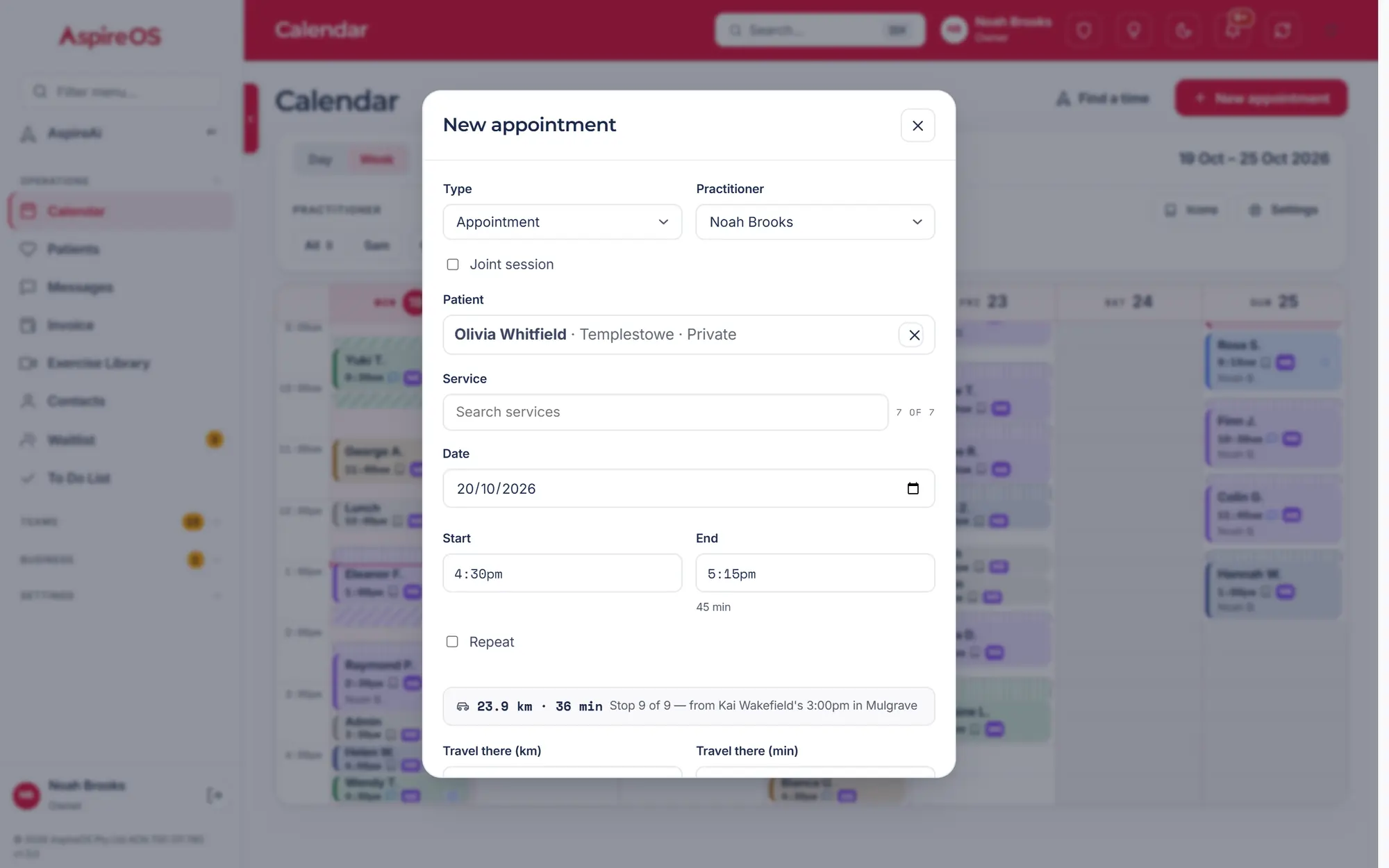
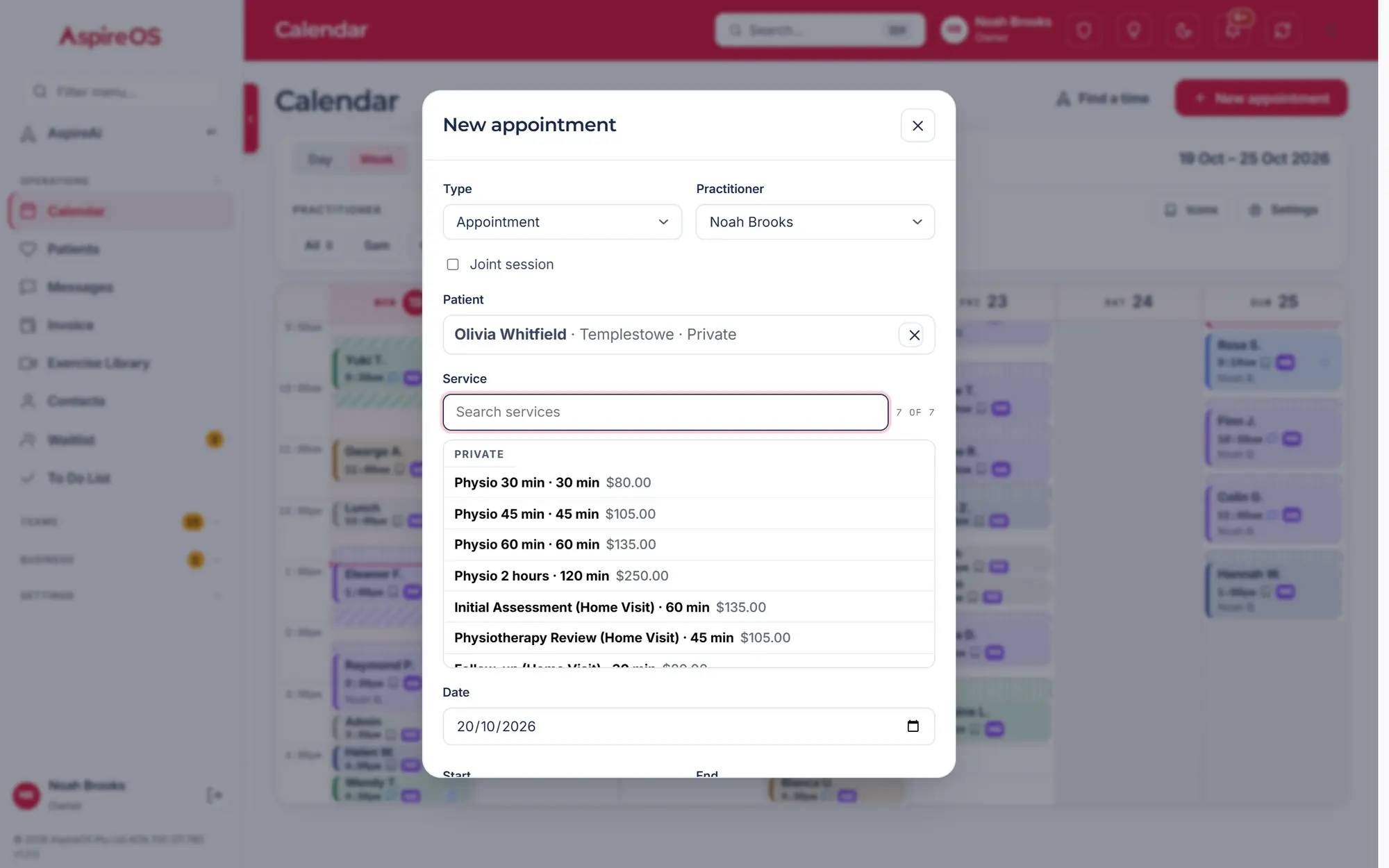
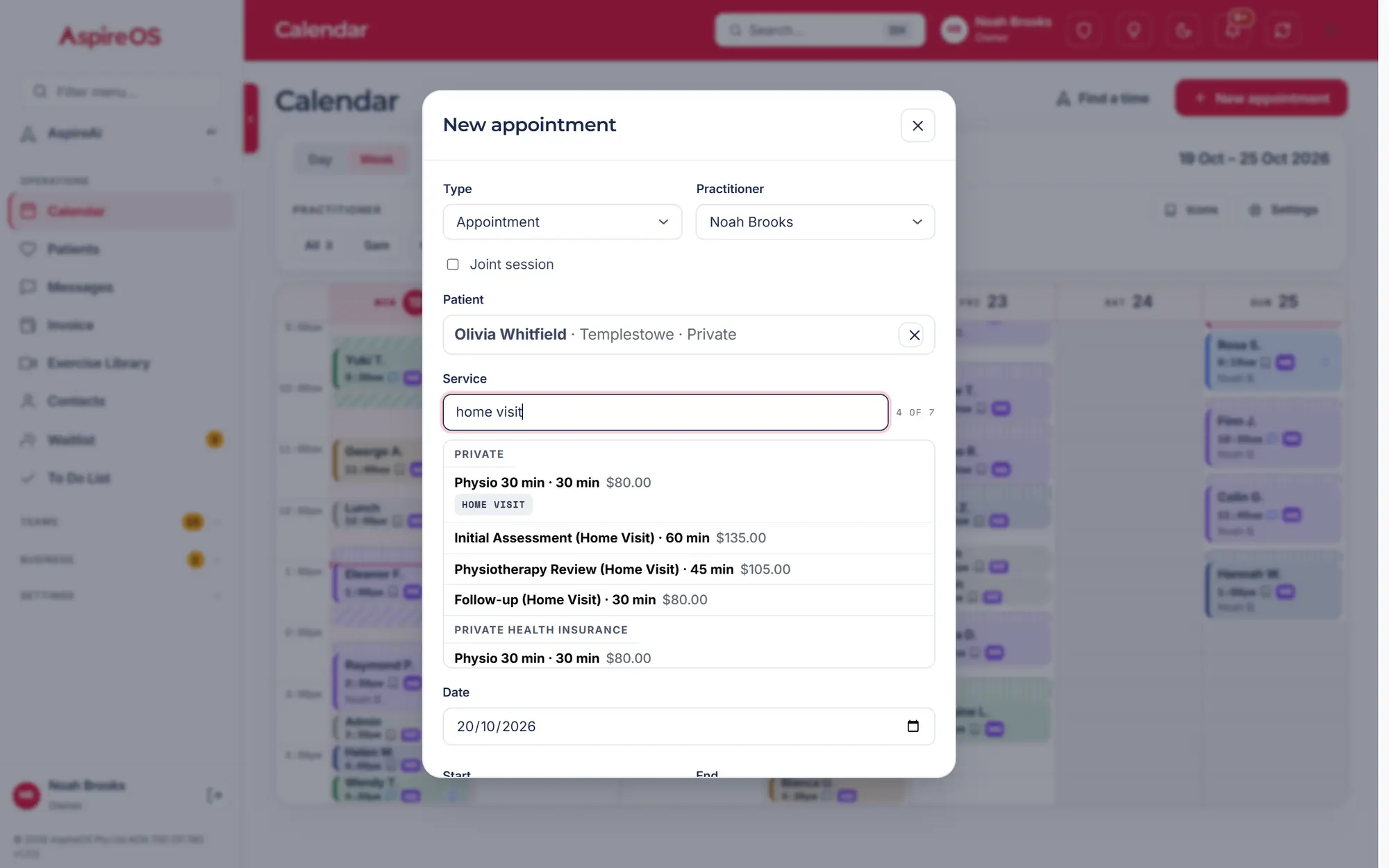
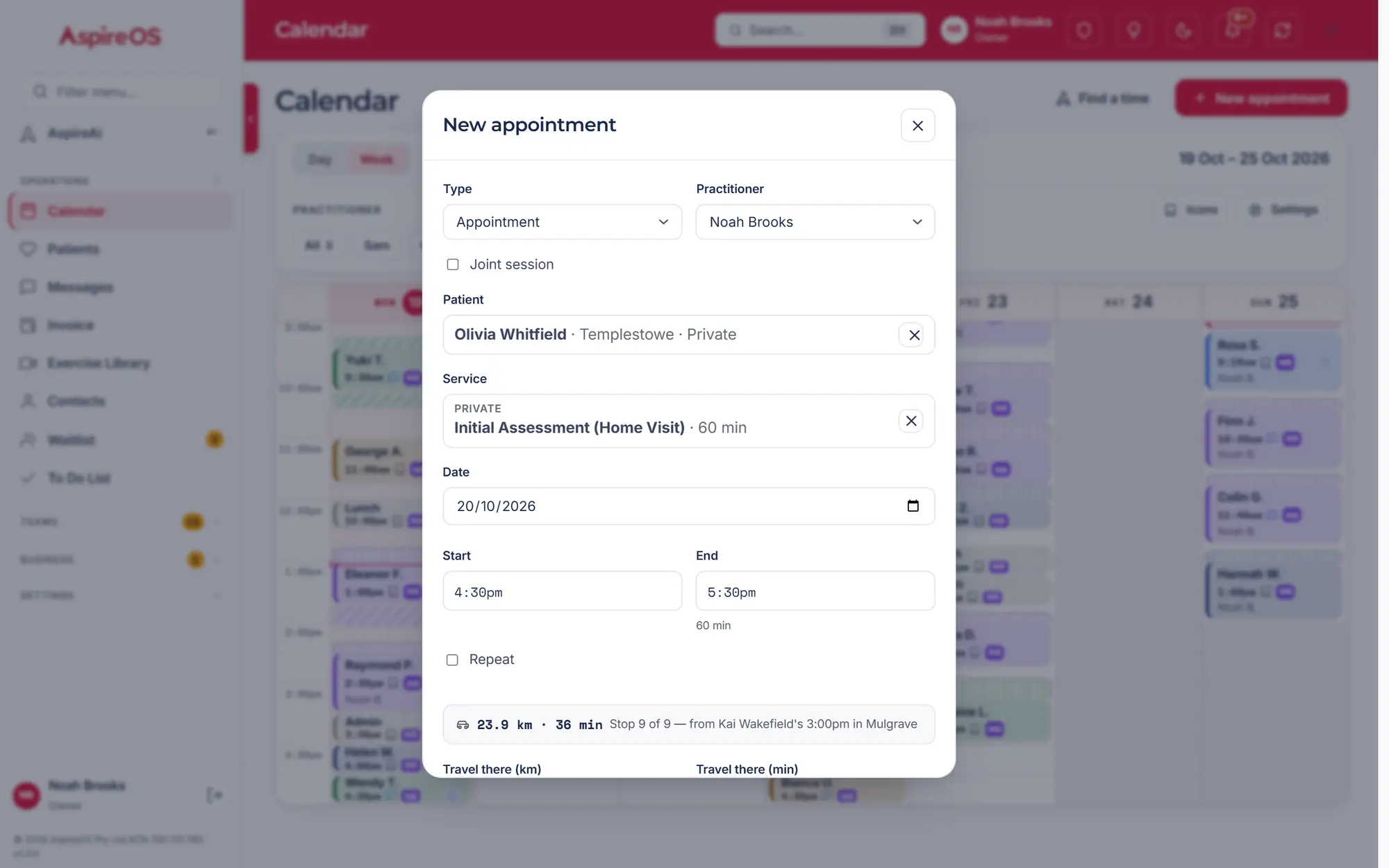
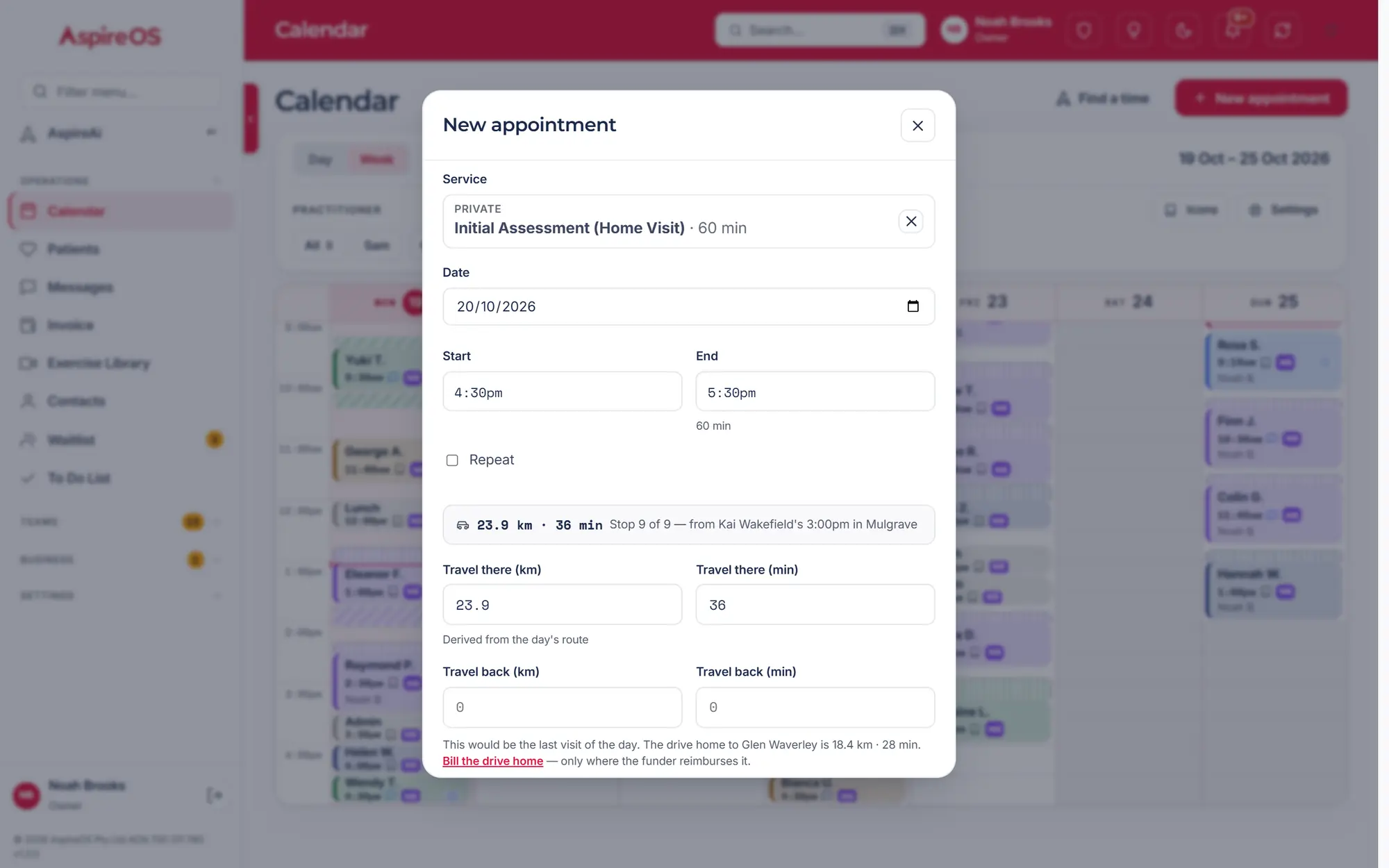
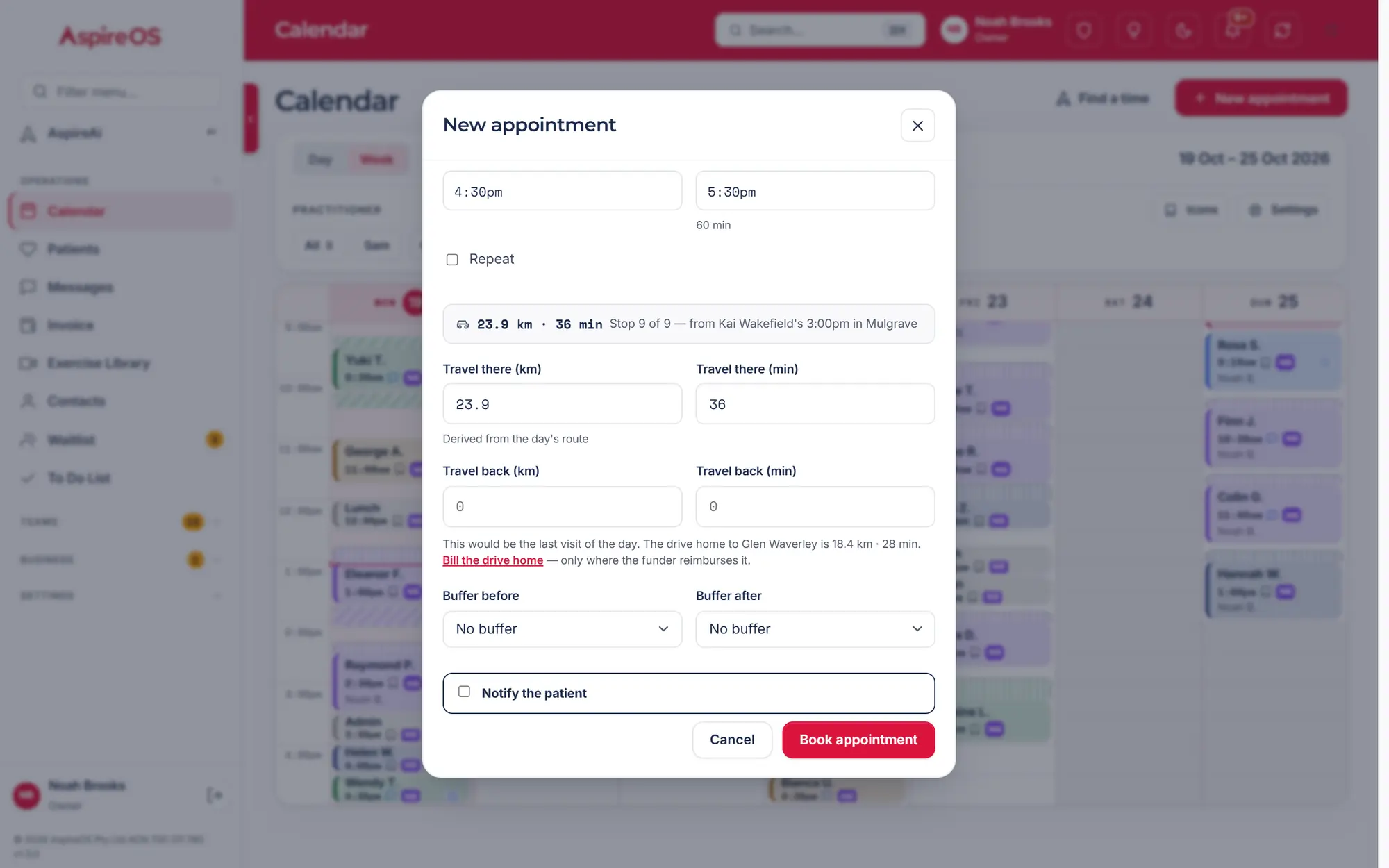
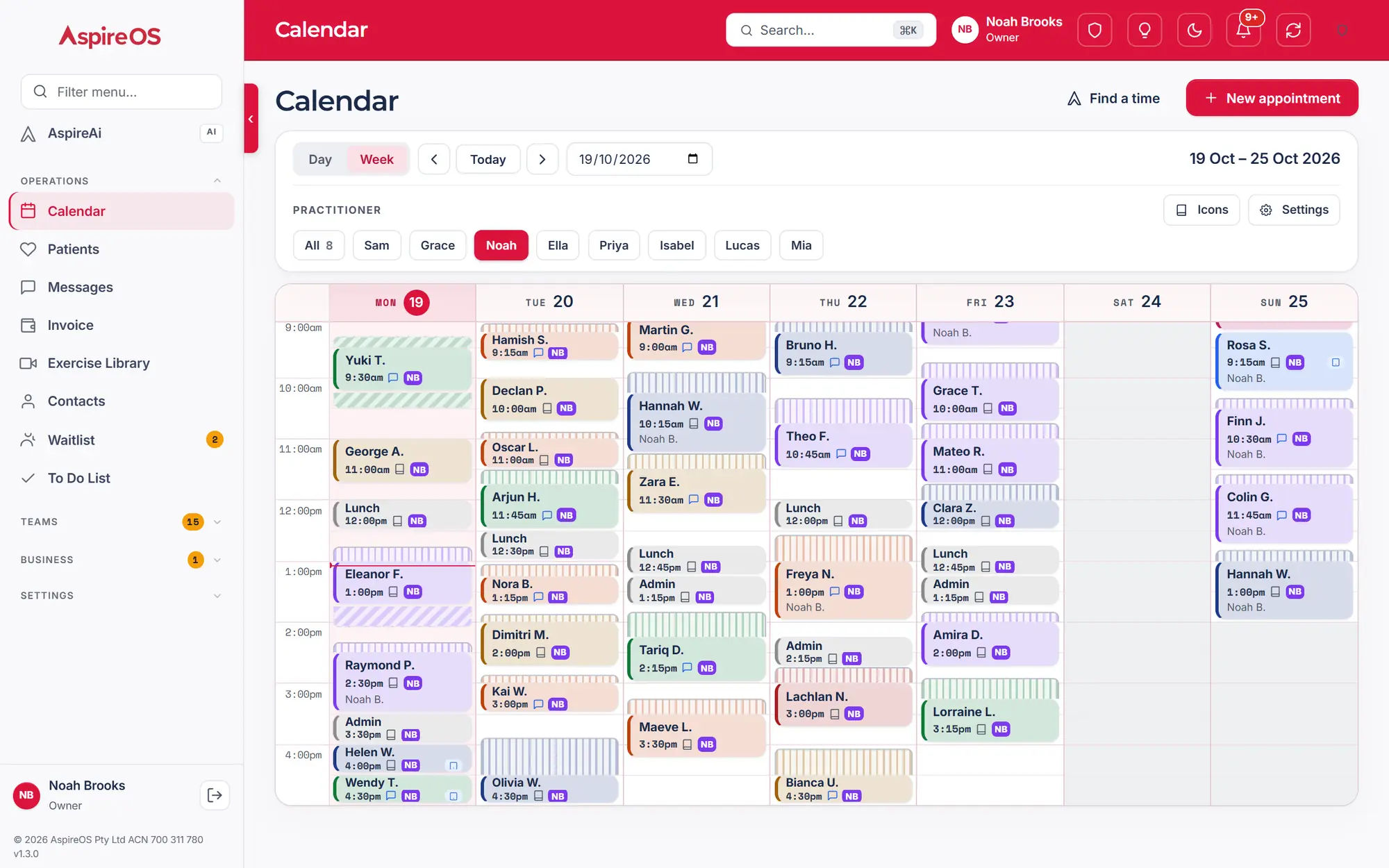
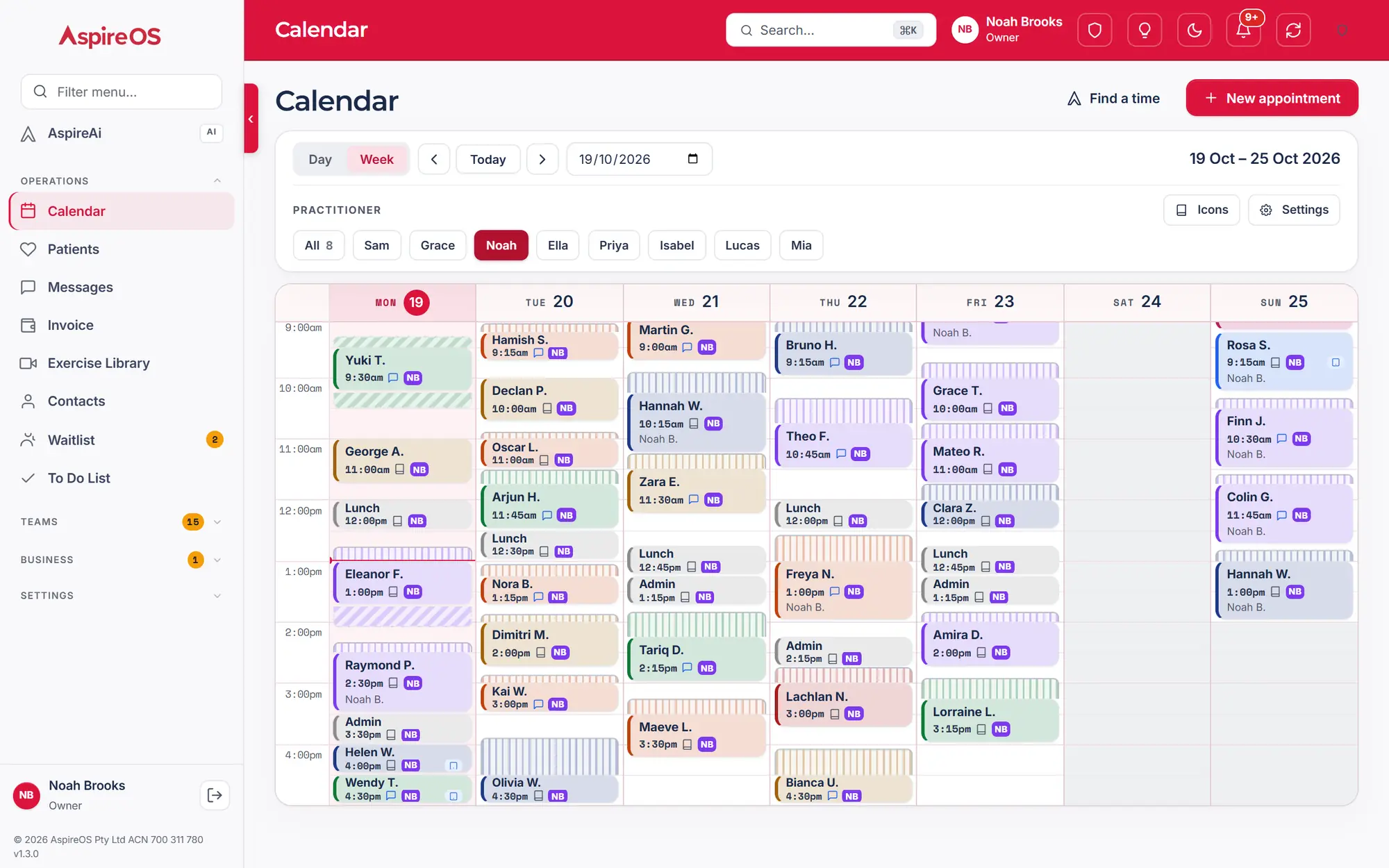
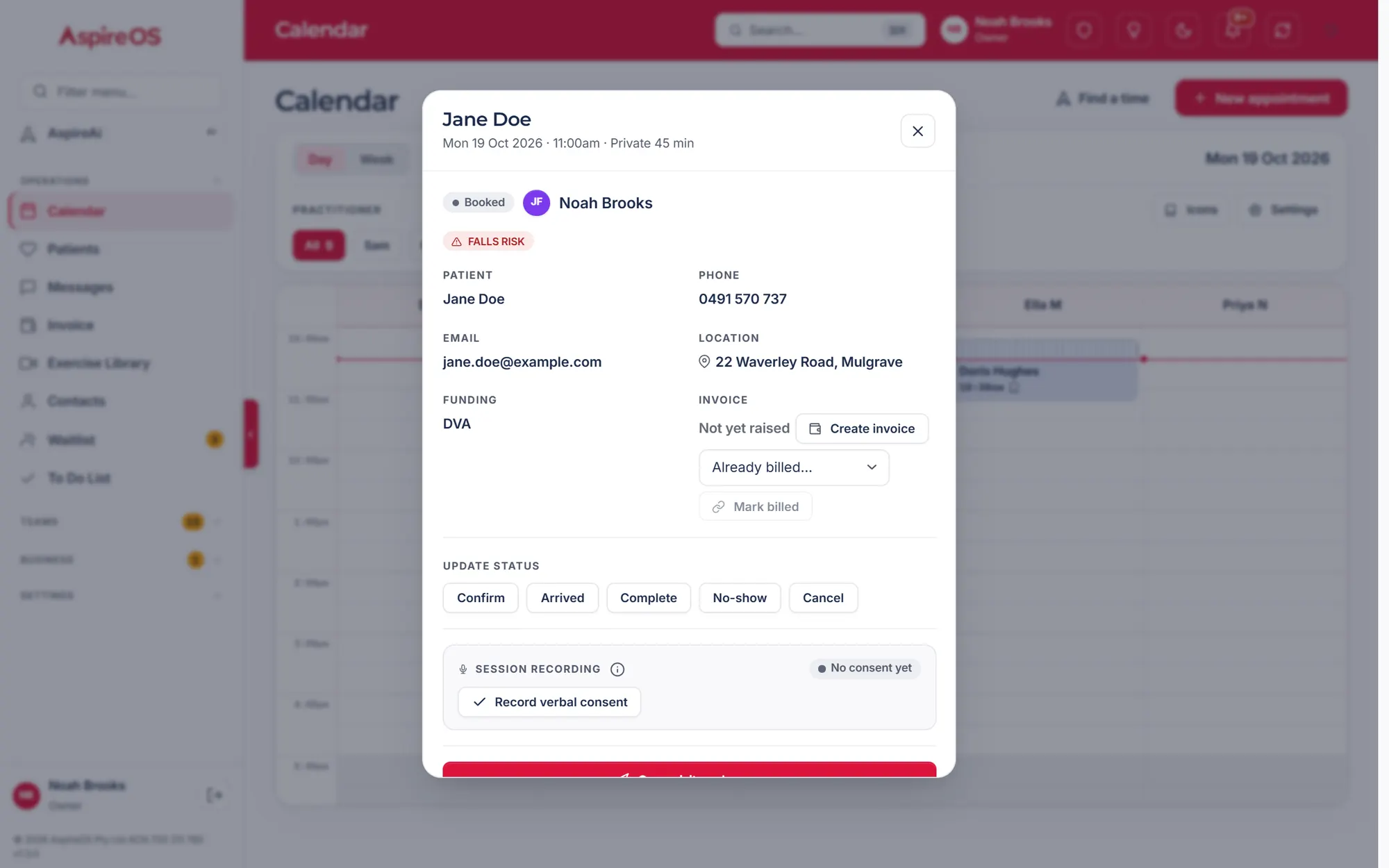
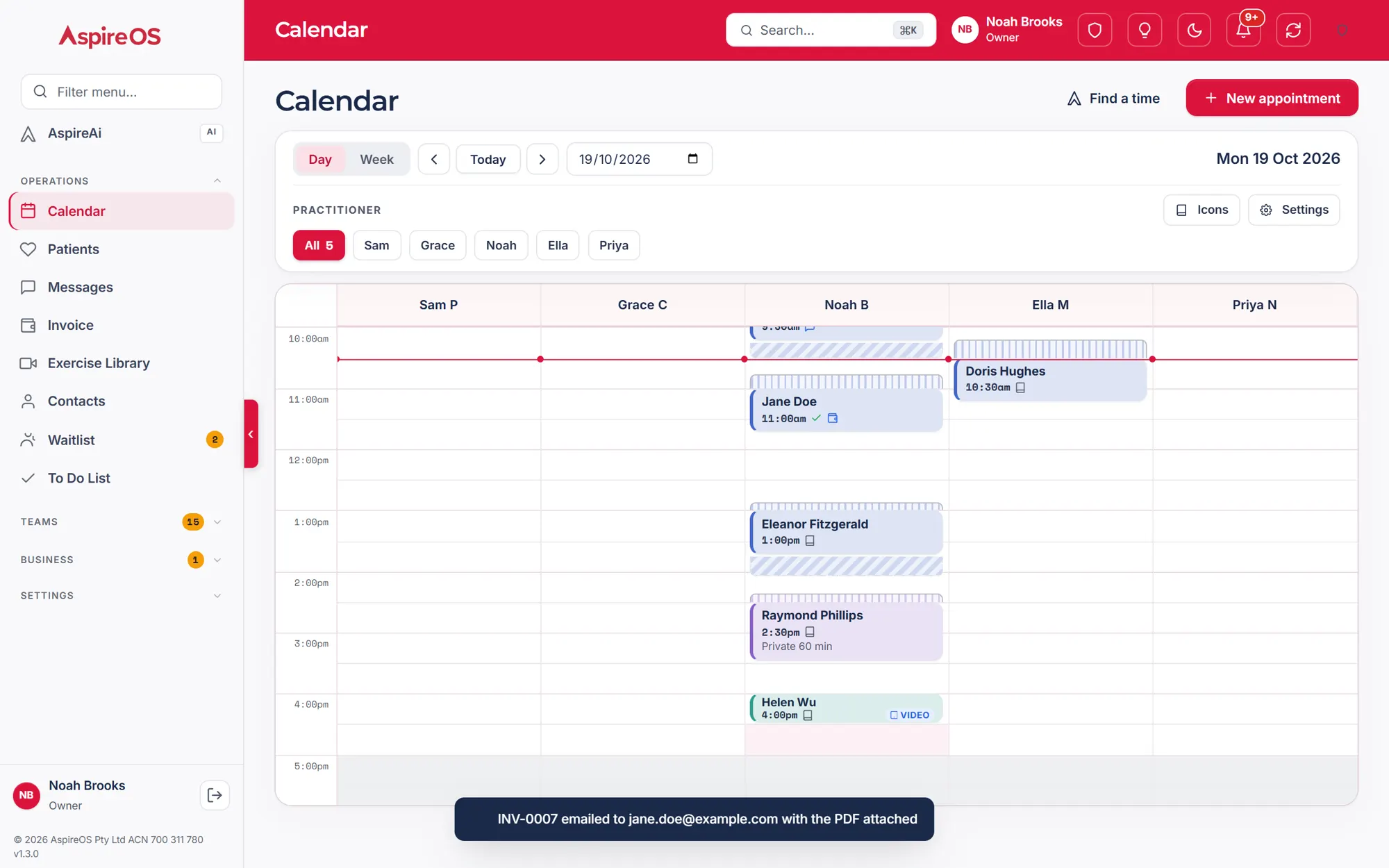
Priced for the funder, travel worked out, clashes flagged.
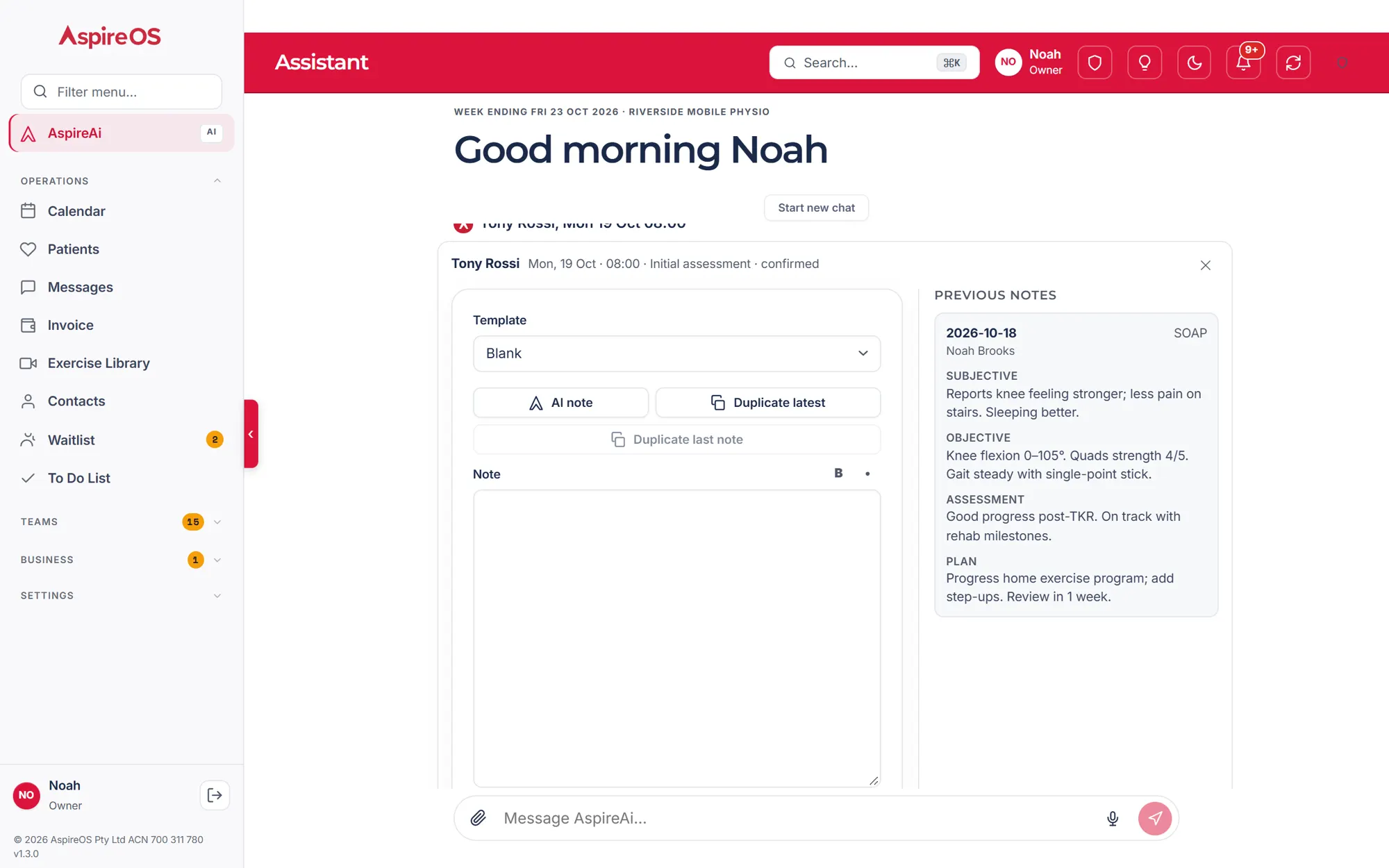
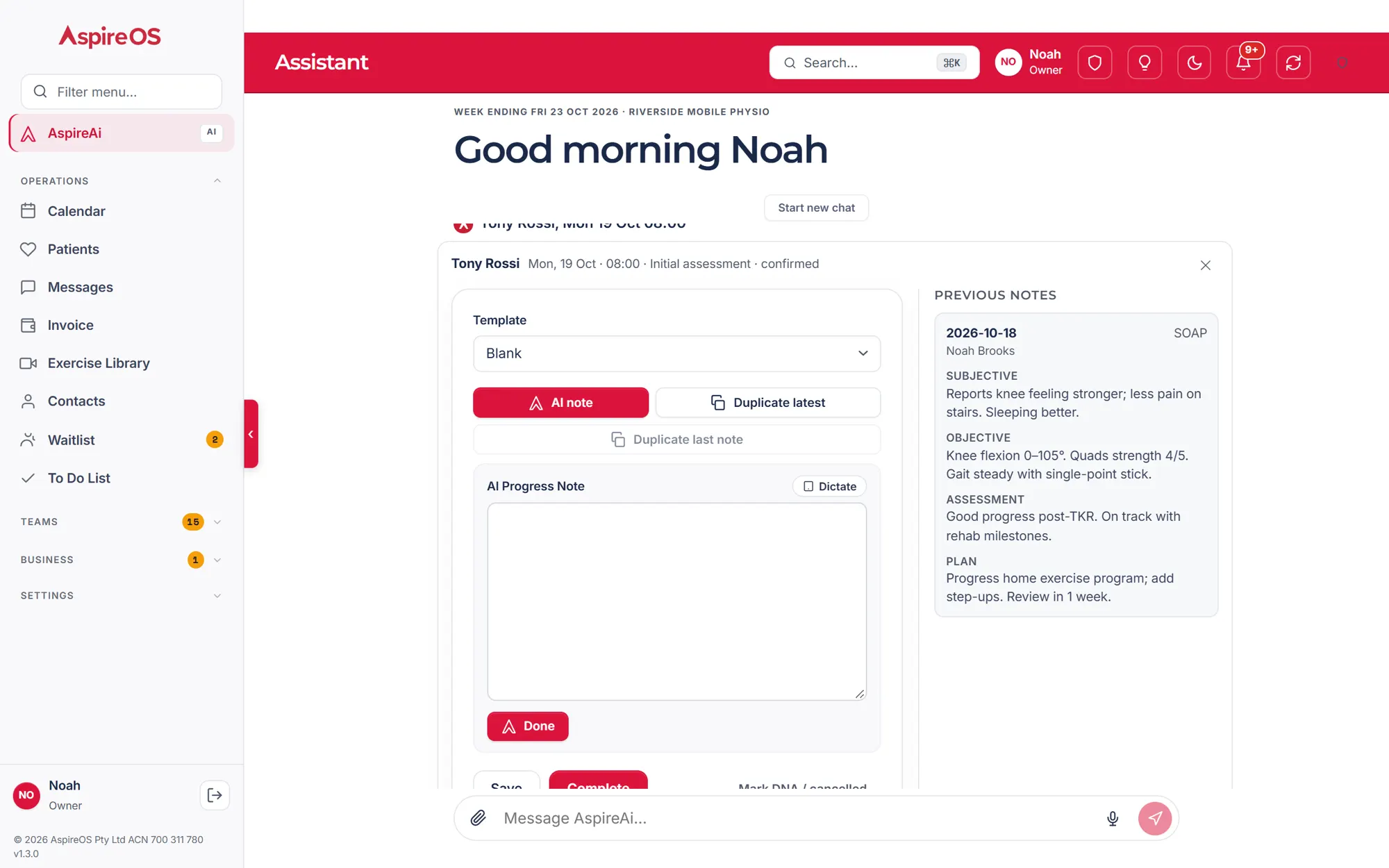
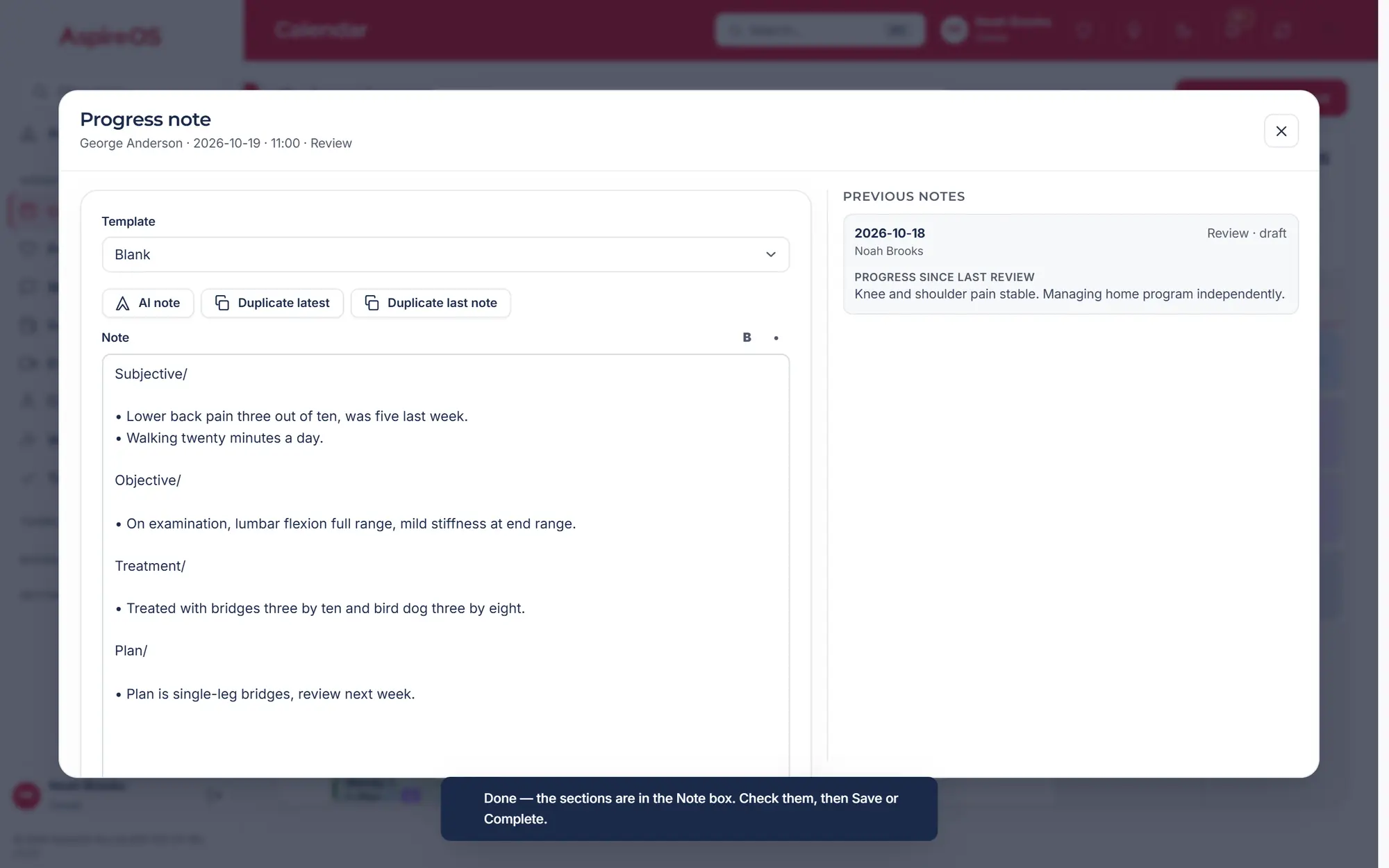
More on the calendarProgress notes
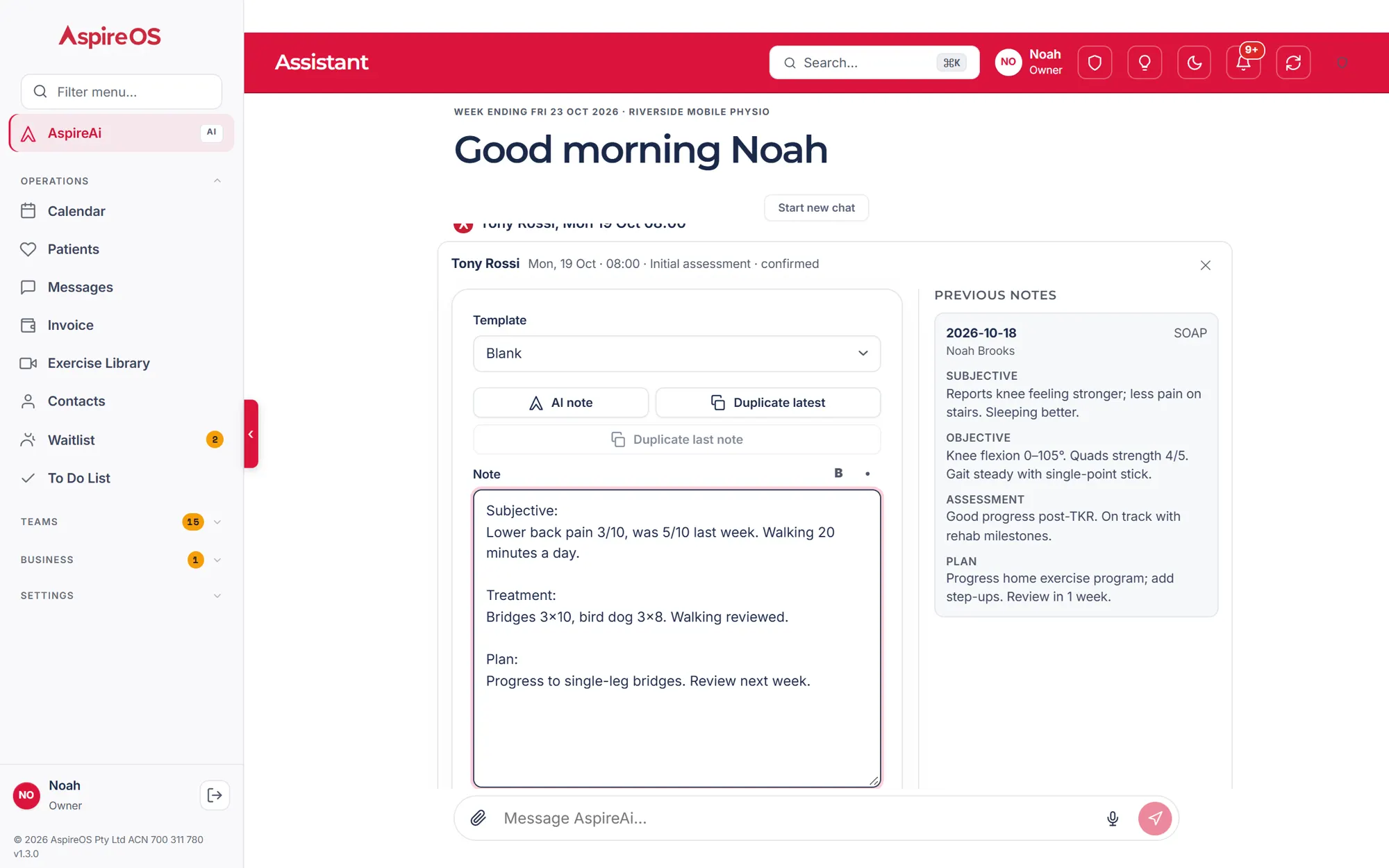
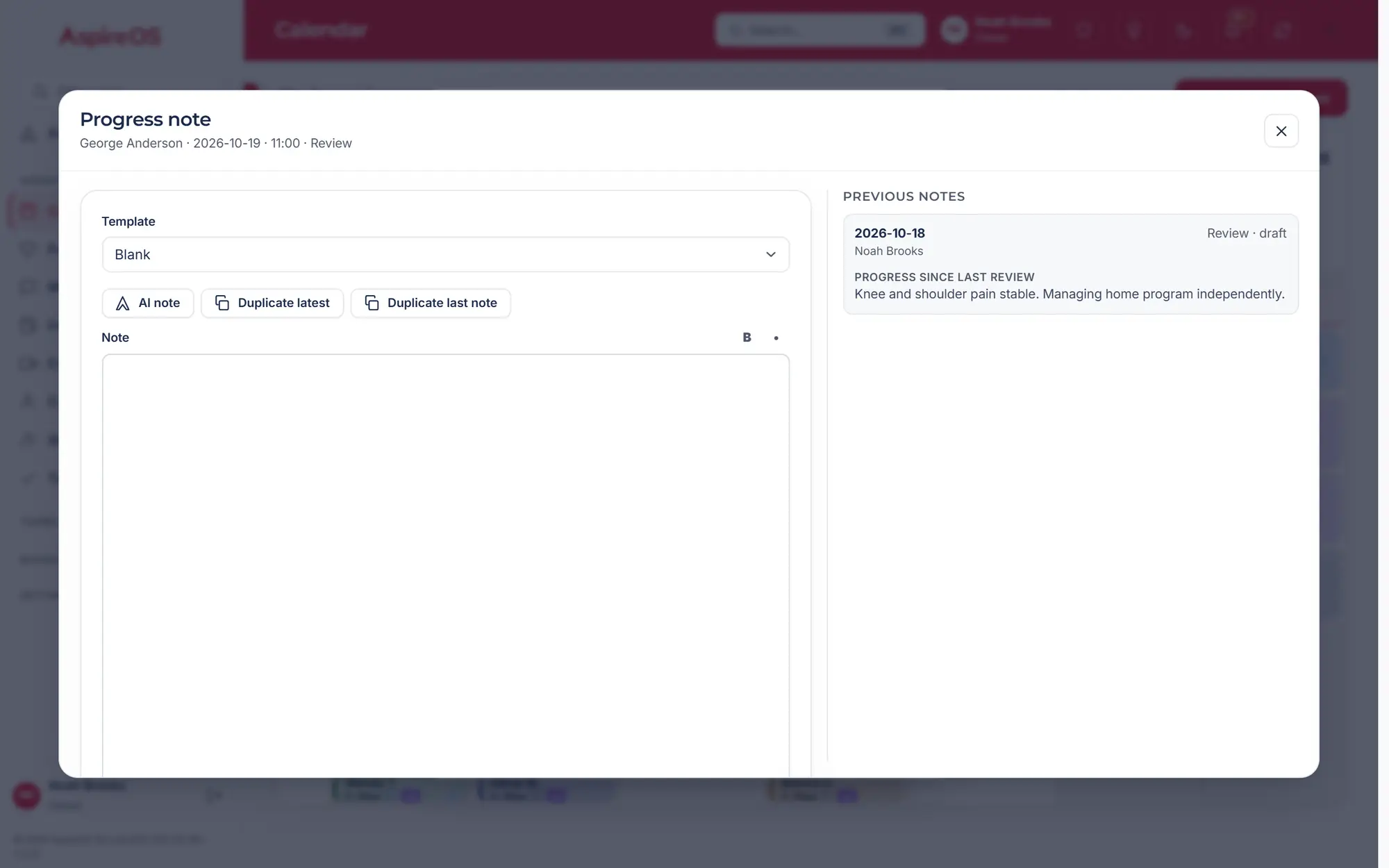
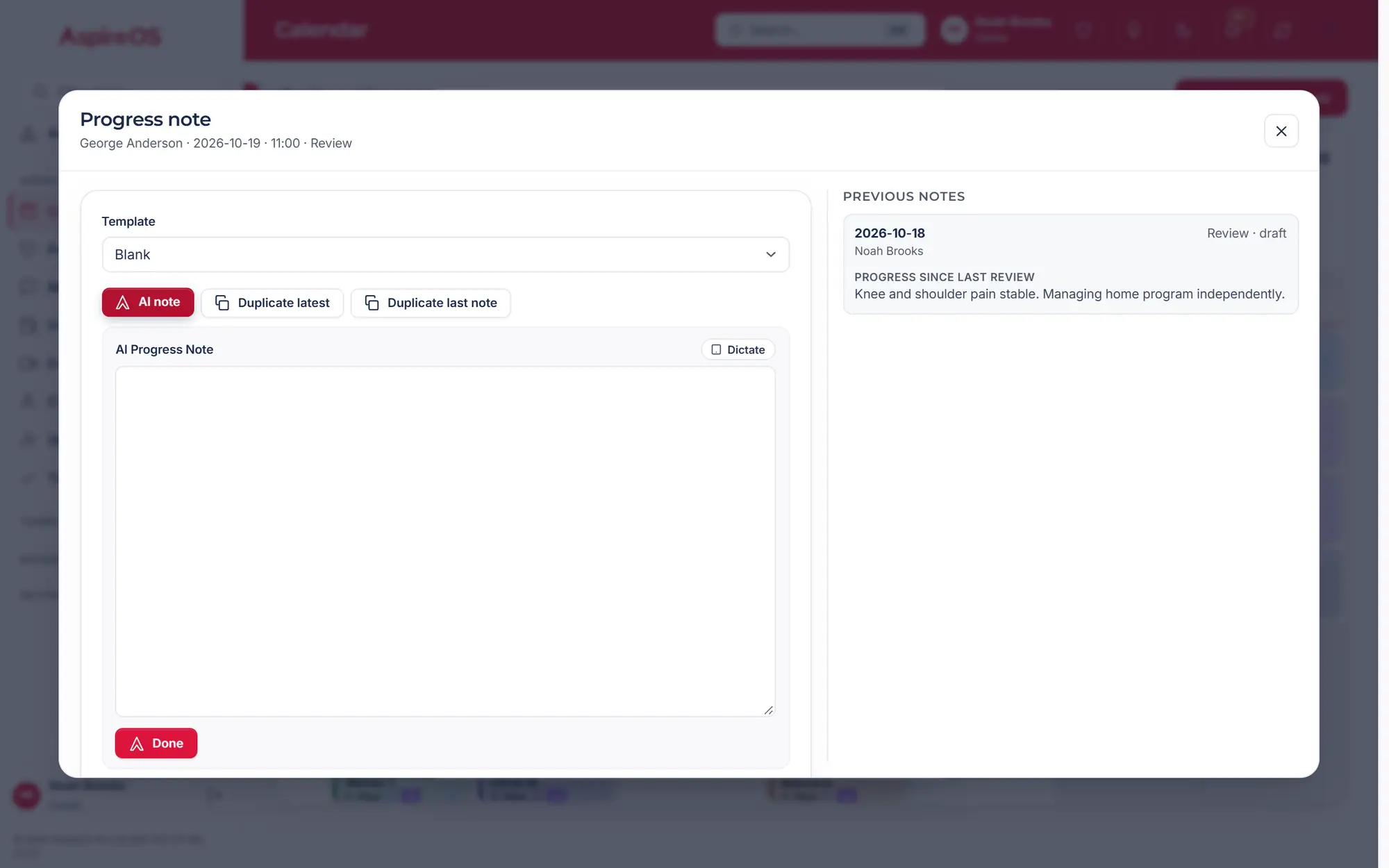
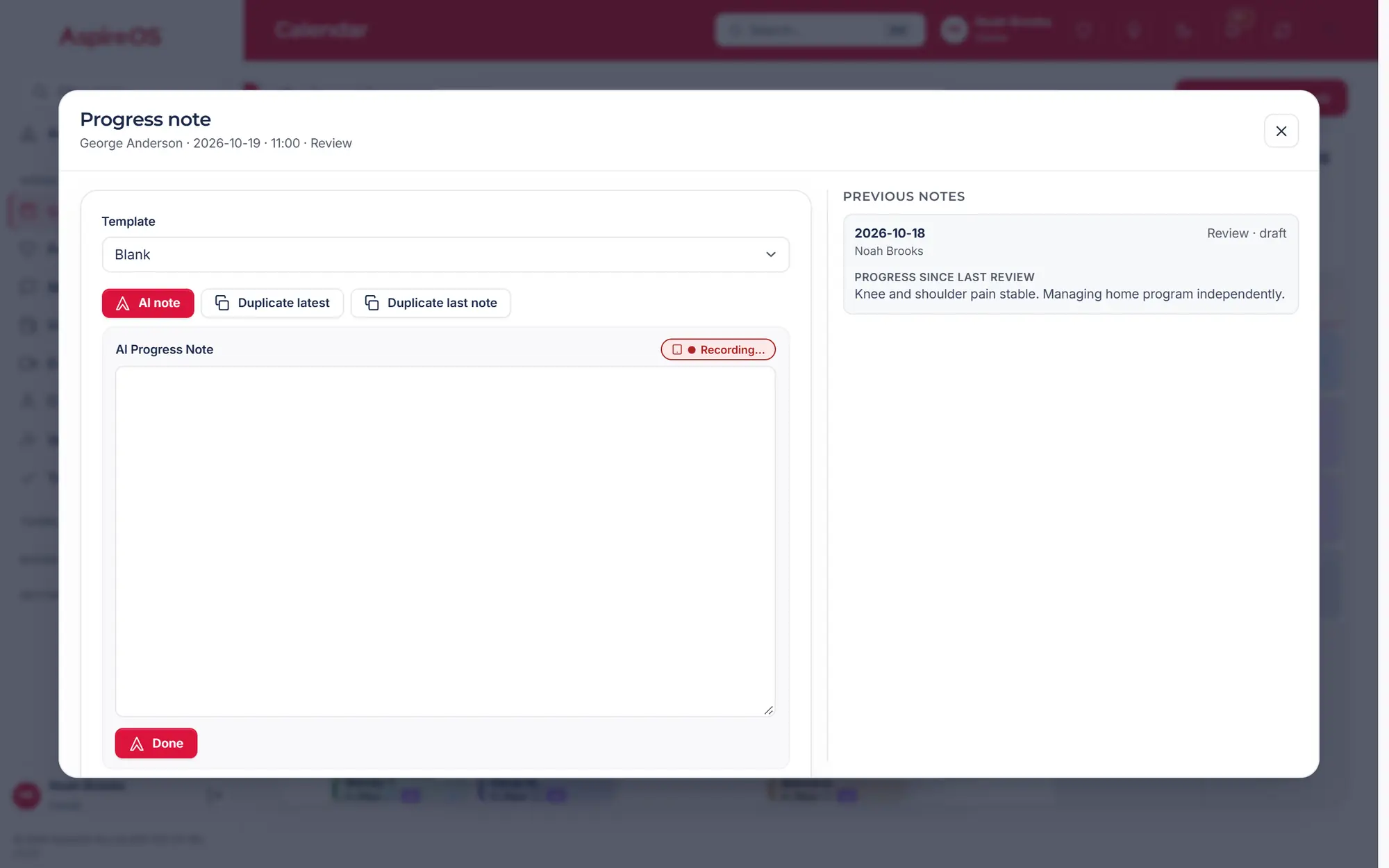
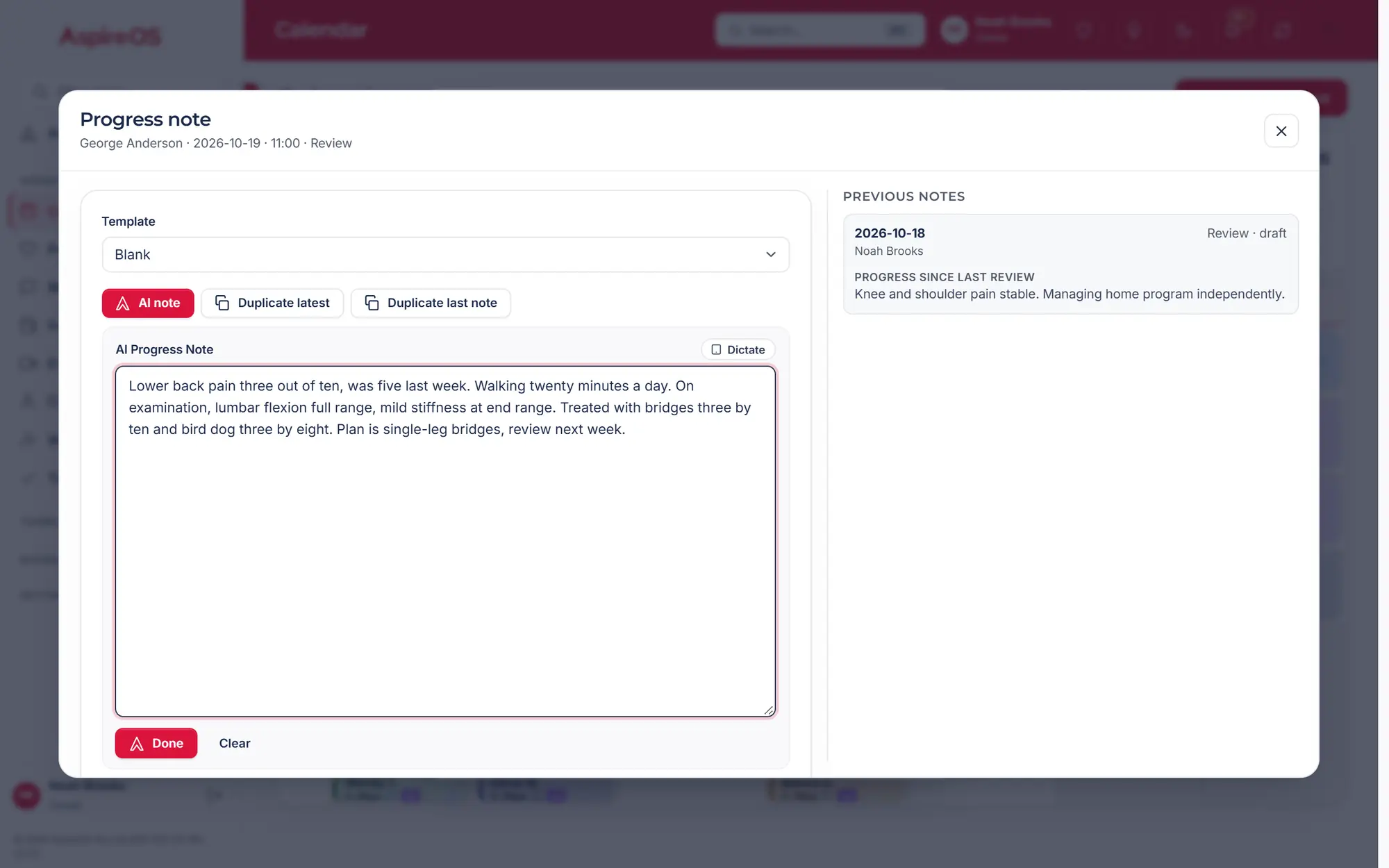
Type it how you'd say it. AspireAi drafts; you check and sign.
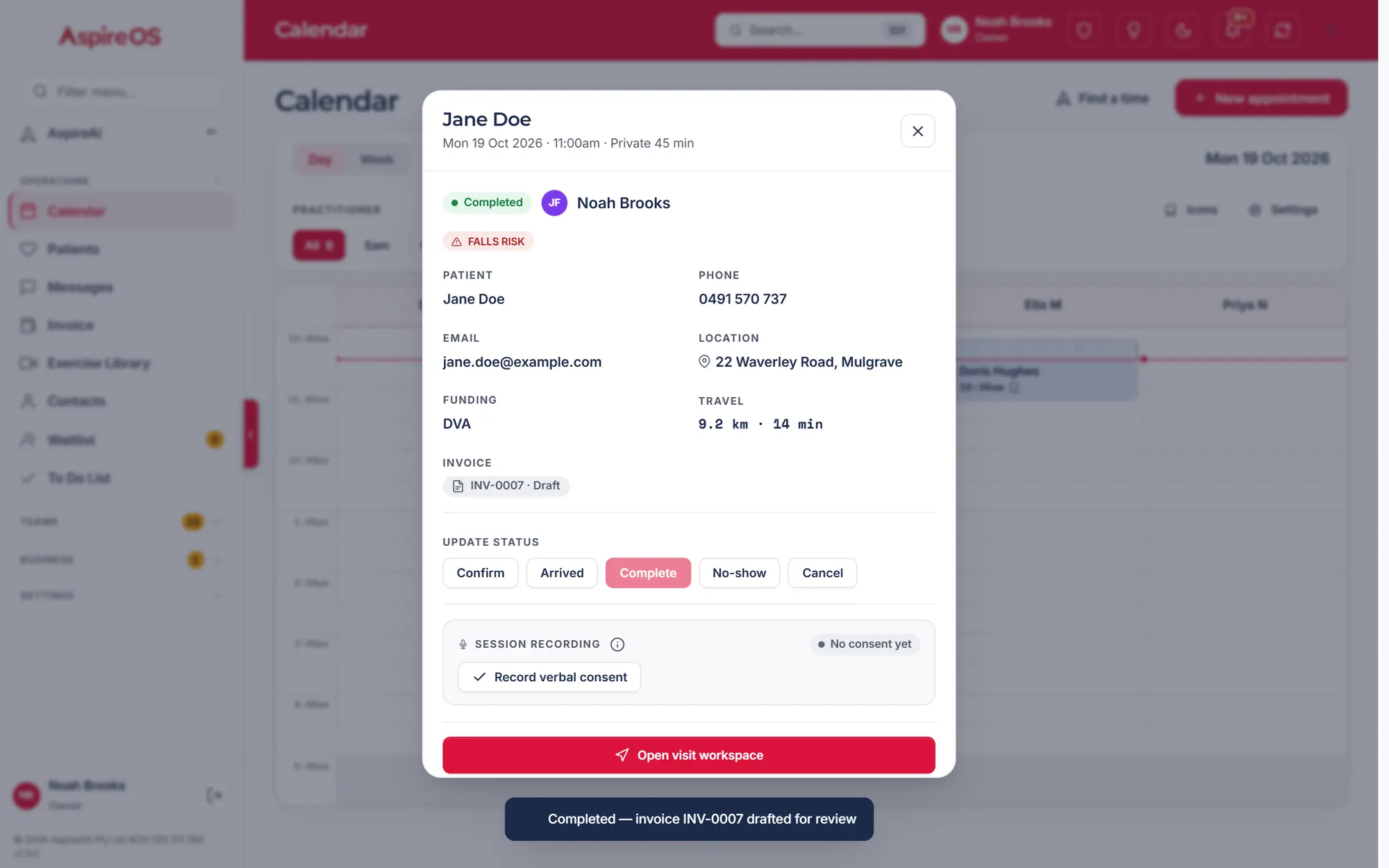
More on patients and notesBilling
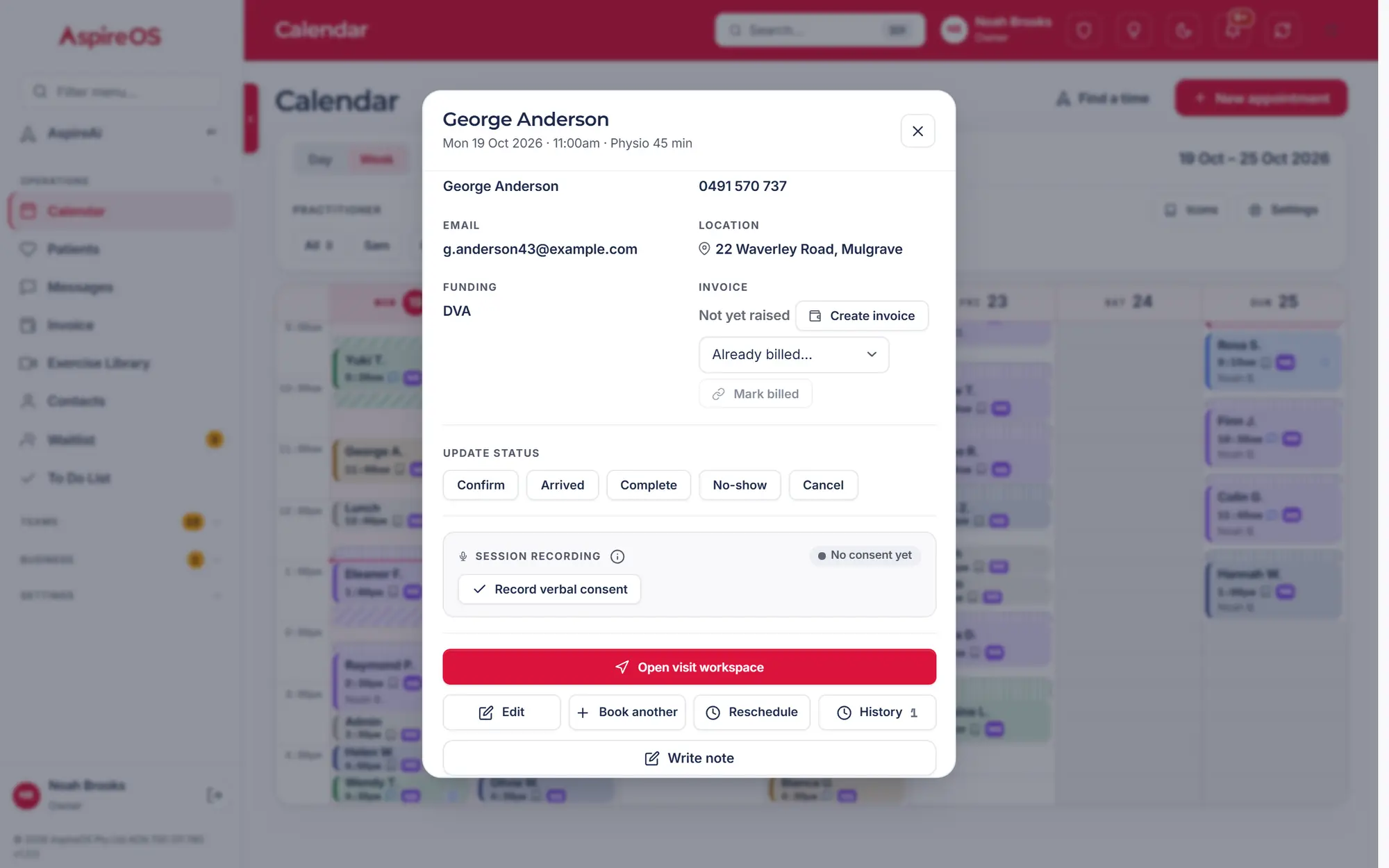
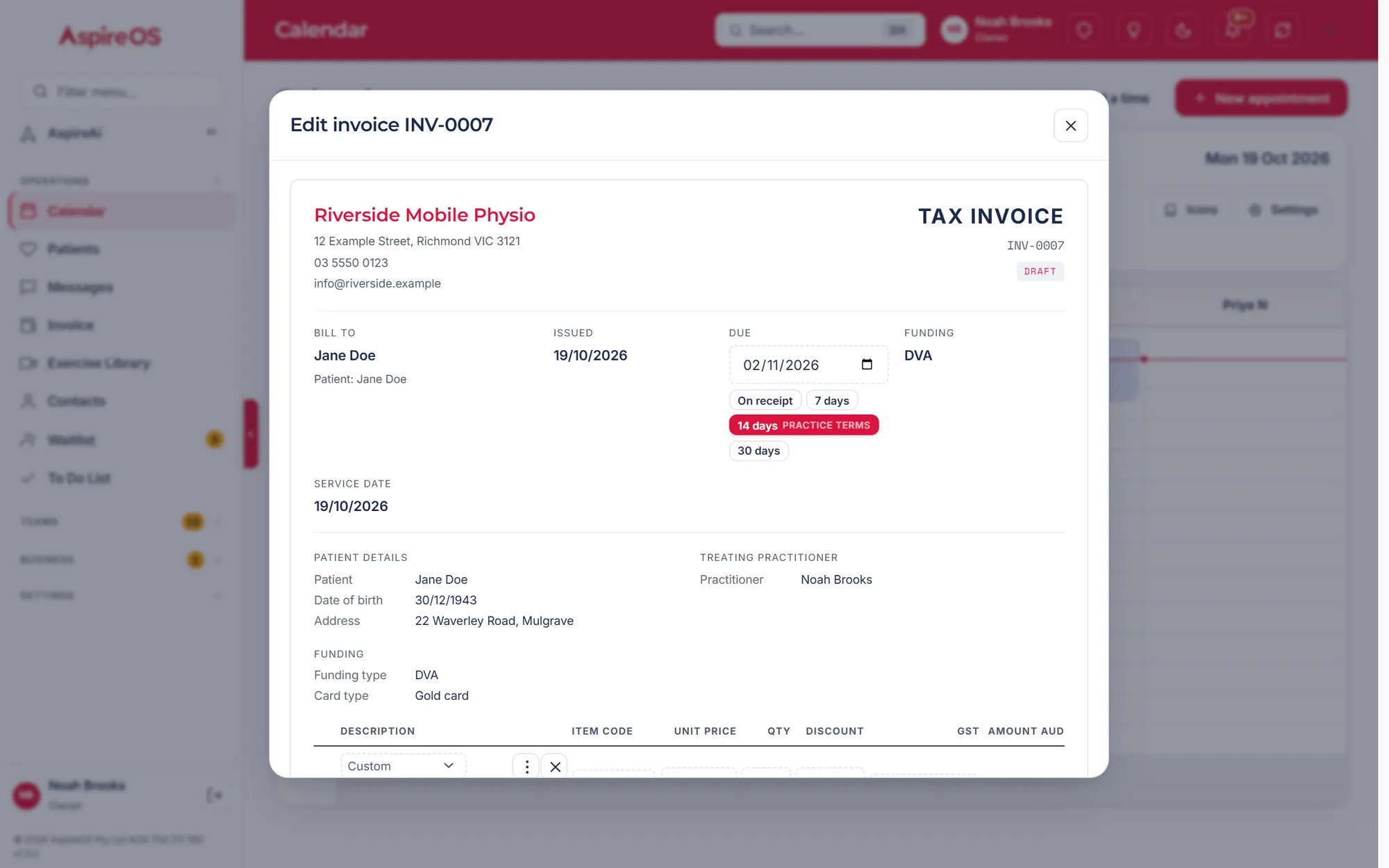
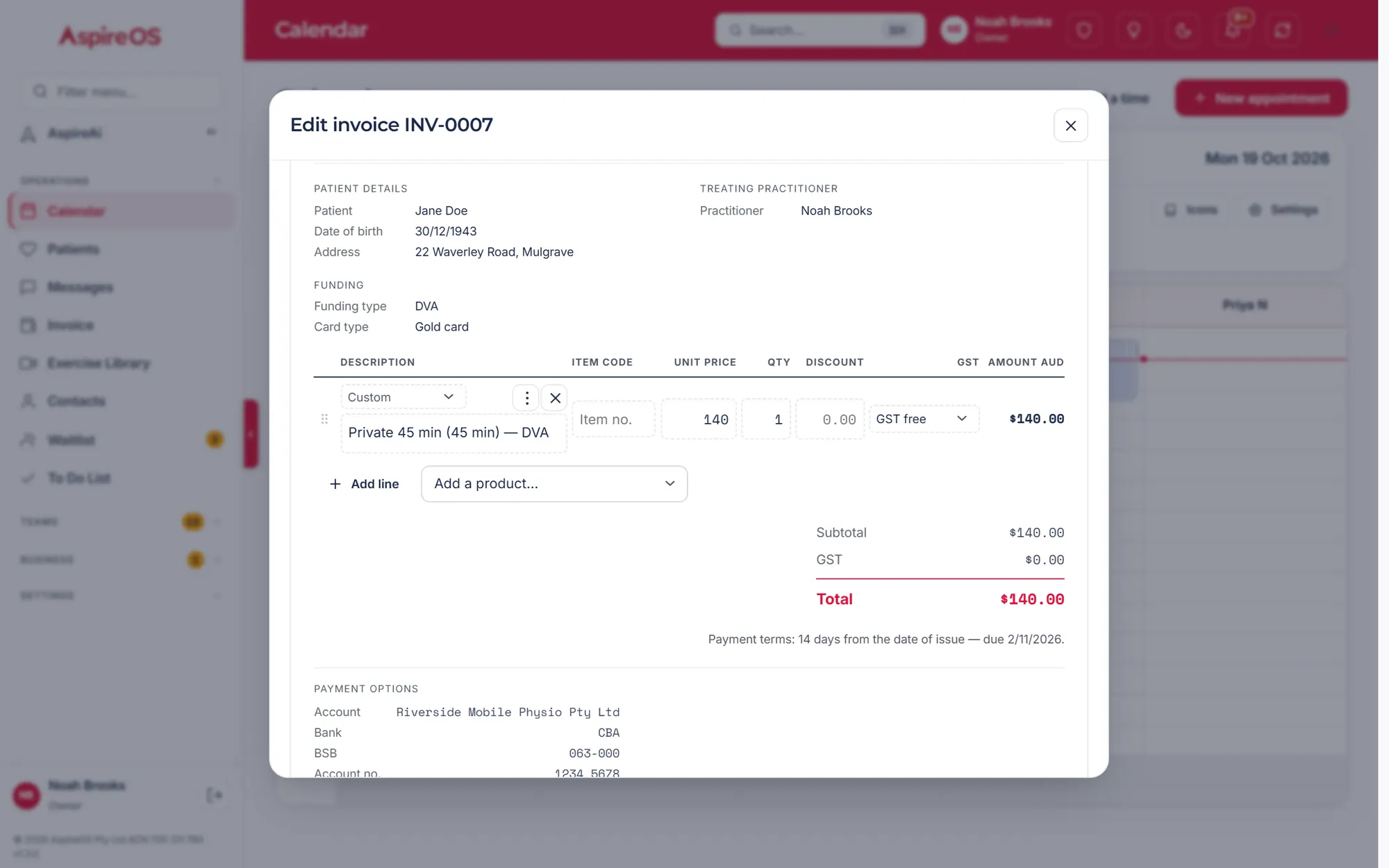
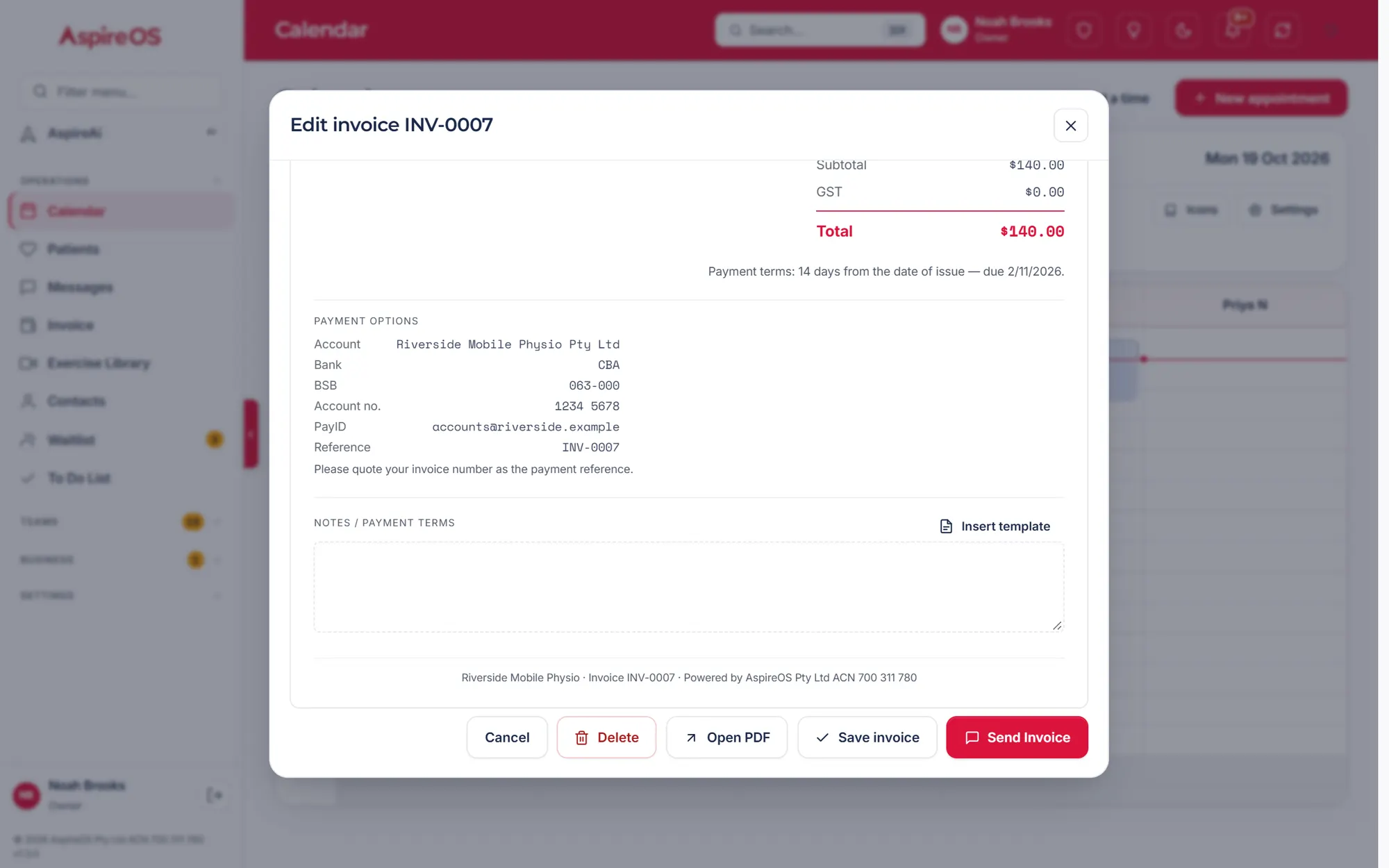
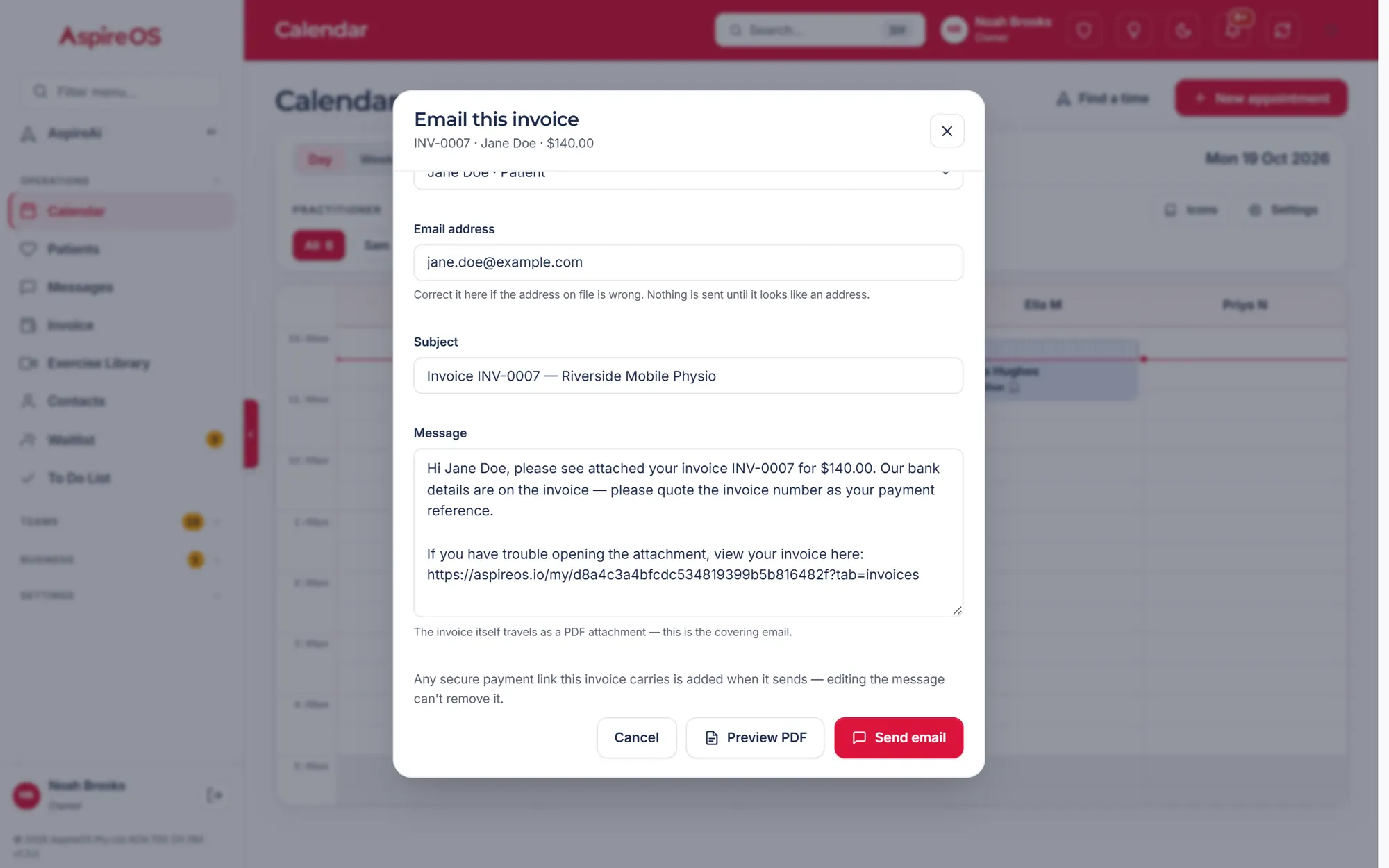
The right price per funder, a pay link, and “paid” shows up by itself.
More on billing and claimsOne record, no re-typing
Every step feeds the next. The Dashboard writes itself.
One system, end to end
No stitched-together tools. No double entry.
Ask in plain English. It drafts, books and bills — after your OK.
Real road times, repeats, groups and clash warnings.
Templates, dictation, AI drafts and a version trail.
Auto-priced per funder, tracked to paid.
A pay link on every invoice, through your own Stripe.
Profit, revenue and what's owed — on one page.
Where patients come from, and every report, live.
Texts, emails and referrer letters, all logged.
Leave, timesheets and a clean payroll export.
Your own Zoom, Teams, Daily, Whereby or WeChat.
Enquiry to booked, with a live demand map.
Your own Xero and Stripe, plus REST and webhooks.
Today’s visits in order, directions, notes to write — and AspireAi a tap away. Installs from the browser; no app store.

This is the actual navigation your team gets — not a roadmap. 35 modules, 5 sections, one login. Some are on the Full plan, at the same price — the feature list shows which.
The AI, honestly
AspireAi drafts, books and bills — but never acts on its own.
Built into AspireOS, grounded in your practice data, and built and supported by OptiTide.
Know how the practice is going
Live from your real bookings, invoices and costs.

Money, handled properly
Drop in a bank statement or a claims report and each payment is matched to its invoice. One press on Mark paid and it’s recorded.
The patient's front door
Secure links. No passwords, no app store.
Patients ask for a call back; your team books the right practitioner.
Visits and invoices, and soon Your exercises — with your sets and reps.
Card through your own Stripe, or bank transfer and PayID.
One private link, through your own Zoom, Teams, Daily, Whereby or WeChat.
How it works
From your current system, a spreadsheet, or a clean slate.
One record. No double entry.
You confirm, it's done — and audited.
Trust, in writing
The full detail is published on our Security and Privacy pages.
Switching
Moving your data across, step by step
Coming from other practice software? Paste an API key from your current system and AspireOS pulls your patients, staff, contacts, visit history, invoices, funding episodes, price list and waitlist in one go. From any spreadsheet, the guided import (Settings → Import) maps the columns for you.
And data flows out, too: every register as CSV or the whole practice as one JSON file, print or save-as-PDF reports, branded PDF invoices and the open API. Your data is never trapped.
For your stack
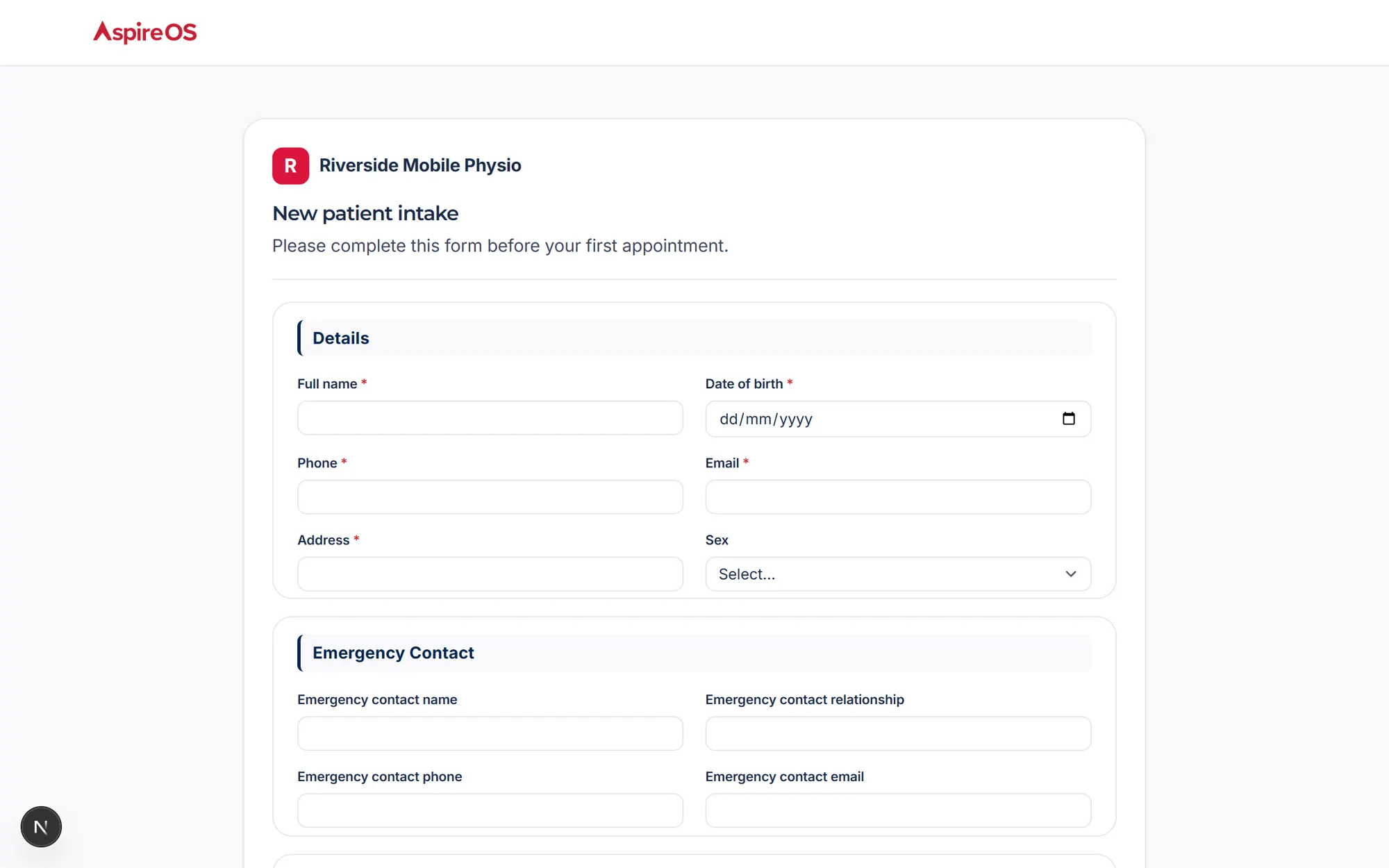
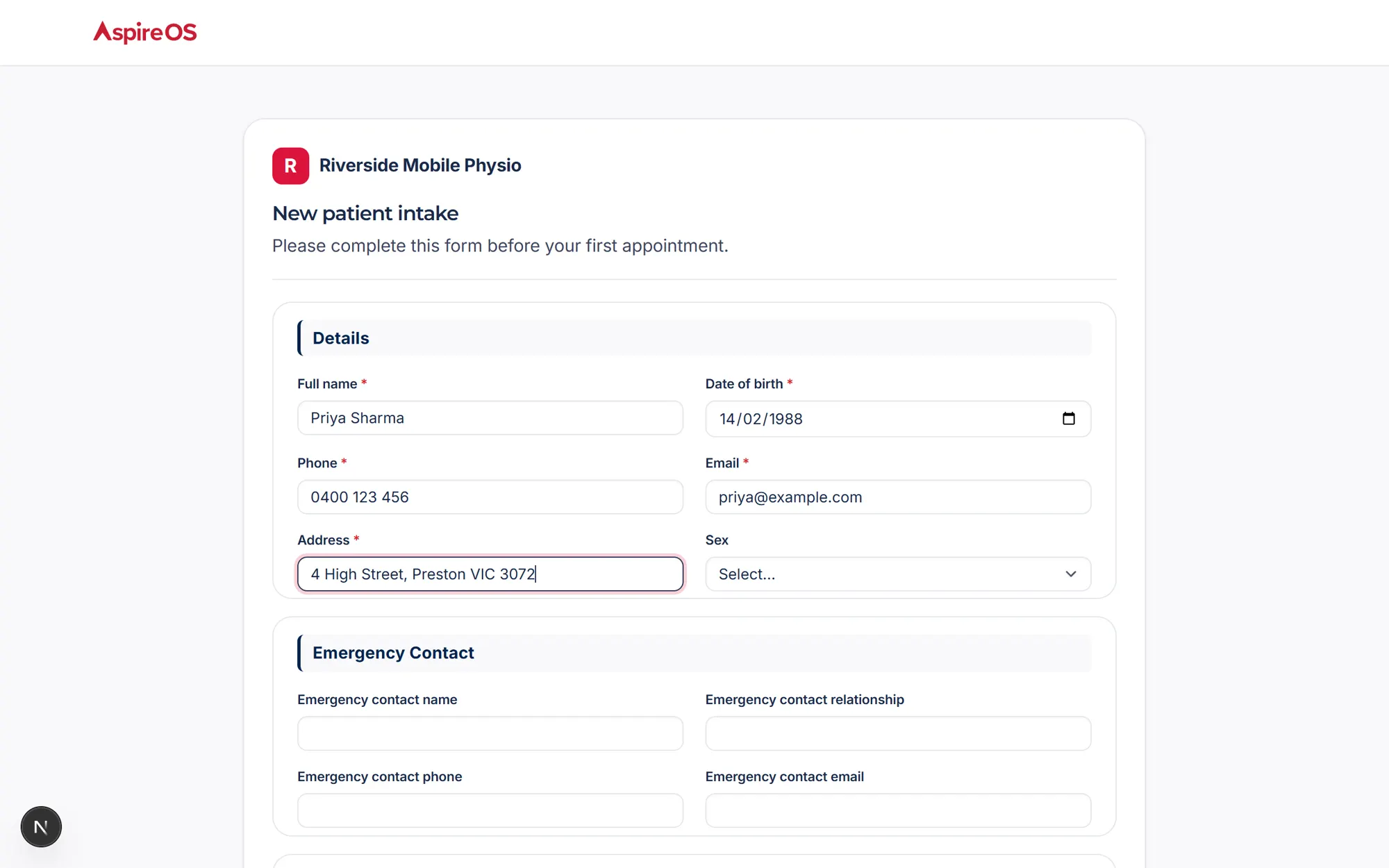
Scoped keys, a REST v1 and webhooks — and your website form can feed the Waitlist.
GET | /api/v1/patients | List patients |
GET | /api/v1/patients/{id} | One patient record |
GET | /api/v1/appointments | Appointments |
GET | /api/v1/invoices | Invoices & status |
POST | /api/v1/intake | Website form → Waitlist |
GET | /api/v1/ping | Key check |
Why practices switch
Not a checkbox race — a different shape of product.
| What | AspireOS | Legacy PMS |
|---|---|---|
| AI | Built in, confirm-before-act, audited | None, or a bolt-on chatbot |
| Scope | Clinical, ops, money, HR, risk and goals | PMS + spreadsheets + group chat |
| Clinic + home visits | One calendar, suburb routing, travel-aware pricing | Clinic-room calendars |
| Reporting | Live from the record | Month-end by hand |
| Integrations | Your Xero, Stripe and video, plus an open API | Closed, or a paid add-on |
| Ergonomics | ⌘K, AspireAi everywhere, a phone app | Desktop-era UI |
| AU funding | 8 funding types priced per service | Generic invoicing |
| Security docs | Published, in full | “Contact sales” |
Better days. Better outcomes.
It's unbelievable how much time the automations are saving me, and how much more structure my company has with everything in one place.
Questions, answered
Short answers here. The full manual lives in the Help Centre.
Yes, two ways. Open the live demo: a sample practice of your own to click through, no sign-up, and nothing you send ever leaves it. Or sign up and your practice starts on a free trial, and nothing is charged until you set up a direct debit in Settings. The setup wizard can load sample data so you can click through everything, and you reset it before entering your own. Creating your practice takes a couple of minutes, and you can bring your data across from your current practice software or a spreadsheet. Prefer a walkthrough? Book a demo and we'll show you around.
Private, Private health insurance, NDIS, Medicare (EPC), DVA, WorkCover, TAC and Support at Home. Each service carries its own section per funder — that funder's price, the wording that goes on its invoice line, its item code and its cancellation code — so one service covers every stream that pays for it, and a stream that does not fund that service is simply left out. Travel rules for mobile visits are per funder too, and EPC/Medicare session tracking warns you before a plan's limit runs out.
No. AspireAi proposes the action — a drafted SOAP note, a referral letter, a priced invoice, a booking — as a card in the chat, and waits for your confirmation before anything runs. Every action lands in the audit trail. AspireAi is built into AspireOS and grounded in your practice data, so there is nothing to set up, and it is built and supported by OptiTide.
Your practice database is hosted in Australia, encrypted, and fully isolated from every other practice, with role-based access for your team. AspireOS is designed around the Privacy Act 1988 and the Australian Privacy Principles, including the Notifiable Data Breaches scheme — the details are published on our Security and Privacy pages.
Yes. Bring your data across from your current practice software or a spreadsheet. A guided import takes an API key from your current system and pulls your patients, staff, contacts, visit history, invoices, funding episodes, price list and waitlist in one go (your progress notes come across from its own export), and the spreadsheet import maps the columns for you. And your data is never trapped: your registers export as CSV or one JSON file, invoices download as branded PDFs, and the open API covers the rest.
Every invoice carries a secure pay link: connect your own Stripe account and patients pay by card, Apple Pay or Google Pay. You can also record bank transfers, PayID, EFTPOS and manual payments, or drop in a remittance and let AspireAi match it. Every invoice has a branded, downloadable PDF, and with your Xero connected the invoices go across and the payments come back. Claims are tracked in AspireOS end to end; online Medicare claiming through Tyro Health is awaiting Tyro's approval, and DVA and HICAPS health-fund claiming are coming soon.
Today: your own Xero for accounting, your own Stripe for card payments, your own Zoom, Microsoft Teams, Daily, Whereby or WeChat for telehealth, and a guided import from your current practice software, pulled across in one go or run side by side while you move. Coming soon: Google Calendar and Google Ads, Google Analytics and Meta (each awaiting Google's or Meta's approval), Tyro Health (awaiting Tyro's), Microsoft Outlook, QuickBooks Online and HICAPS. Settings → Integrations & data shows every connection with its live status, and the full list is on our features page.
Book through your hosted booking link (enquiries land on your Waitlist so the team confirms the right practitioner and time), then use their private portal to see upcoming visits, manage their account and pay. Exercise videos with your sets, reps and notes come with the Exercise Library, which is coming soon.
Yes — it's built for it. Install AspireOS like a native app (Add to Home Screen), and your team gets a practitioner-first view of the day, the visits in order with directions, a bottom tab bar for the most-used pages, patient search from the command palette, and 60-second incident reporting from the road.
Yes. A REST v1 API covers patients, appointments, invoices and intake, authenticated with scoped API keys you create in Settings, plus outbound webhooks. The intake endpoint means your existing website's contact form can feed enquiries straight onto your Waitlist.
Tell AspireAi, right in the chat — "the calendar is broken" is enough. It confirms before sending, then your report (who, where in the app, and what happened) lands directly in the OptiTide team's support queue, and you can watch it move from new to resolved. Clinical and safety matters have their own incident register with a documented close-out.
Role-based access (owner, admin, senior, practitioner), optional two-factor authentication (TOTP), secure self-service password reset, and audit logging across the app. Clinical notes are non-deletable — edits append a new version, so the record is always defensible.
Open the live demo, or get started on your own practice. See pricing.